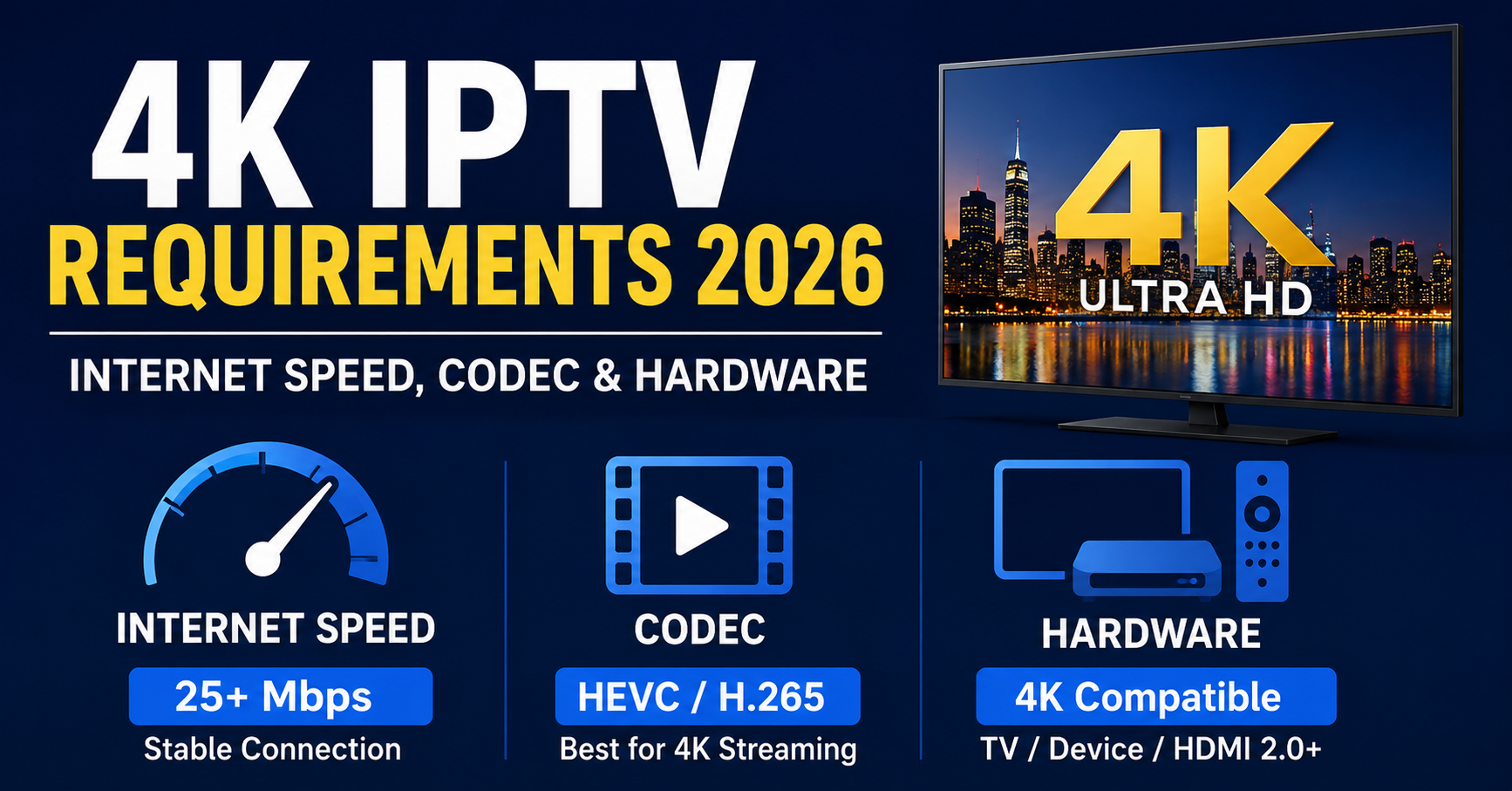
4K IPTV Requirements 2026: Internet Speed, Codec & Hardware
A customer once messaged us furious. He had paid for gigabit fibre, bought a brand new 4K television, subscribed to a premium plan, and his stream still pixelated every time a striker broke through on goal. He was convinced the service was broken. It wasn’t. His TV was decoding HEVC in software because his streaming box was four years old, and his router was sitting two rooms away behind a brick wall. Three problems, none of them the stream itself.
That story repeats more than you would think, and it gets to the heart of what the 4K IPTV requirements 2026 conversation usually misses. Speed is only one leg of a three legged stool.
The short answer before anything else
If you want genuine 4K without buffering, you need roughly 25 Mbps of stable, dedicated bandwidth per stream, a device with hardware HEVC or AV1 decoding, and a wired or strong 5GHz connection. Miss any one of those and the picture suffers. Most people fixate on internet speed, pass the test, and then blame their provider when the real bottleneck is an ageing decoder or a congested Wi Fi channel.
So the meaningful 4K IPTV requirements 2026 list is not just a number. It is a combination. The cause of most “my 4K keeps freezing” complaints is a mismatch between what the stream is sending and what the hardware can comfortably unpack in real time.
The rest of this guide walks through each piece, where people get burned, and what we have learned watching this play out across thousands of subscriber setups and UK IPTV reseller support tickets.
How much internet speed 4K actually demands
Let me give you the honest range rather than a marketing number. Streaming 4K content generally requires a minimum of 25 Mbps to avoid stutter and delay. Some sources will tell you 15 Mbps is enough, and technically a calm, low motion 4K scene can survive on that. But the moment the action picks up, the bitrate spikes.
That spike is the part nobody warns subscribers about. A 30 fps UHD service can require around 40 Mbps of bandwidth, and a 60 fps UHD service can climb toward 80 Mbps in heavier delivery setups. Real world IPTV streams rarely hit those ceilings, but the principle holds: a fast paced 4K stream is not a fixed load. It breathes.
Here is what we actually recommend per scenario, drawn from years of fielding the same complaints:
| Use case | Practical speed target |
|---|---|
| One 4K stream, mostly films and shows | 25 Mbps dedicated |
| One 4K sports stream at 60 fps | 35 Mbps dedicated |
| Two 4K streams running at once | 50 Mbps plus |
| 4K with HDR enabled | 35 Mbps plus headroom |
Notice the word dedicated. If your household has a teenager downloading games and someone on a video call, that 25 Mbps line is not giving 25 Mbps to your stream.
Pro Tip:
Run your speed test during the exact evening hours you usually watch, not at 11am when the neighbourhood is empty. ISP congestion between 7pm and 11pm is real, and it is when sports traffic peaks. A line that tests at 90 Mbps at noon can sag badly under local load at kickoff.
Why frame rate quietly doubles your bandwidth need
Resolution gets all the attention. Frame rate does the silent damage. Sports, action scenes, and gaming content often use 60 fps for smoother motion, which almost doubles the bandwidth needed compared to 30 fps content.
This is why a family that watches dramas in 4K with zero issues suddenly hits a wall during a Saturday football match. Same resolution. Completely different load. The encoder is shoving twice as many frames down the pipe, and your connection plus your decoder both feel it.
If your setup is marginal, this is the single most useful thing to understand. Calm content hides weak infrastructure. High motion content exposes it instantly.
Codecs: the part that decides everything in 2026
The codec is the compression method, and in 2026 it is genuinely the deciding factor in whether your hardware copes.
H.264, also called AVC, is widely used and efficient. H.265, or HEVC, offers improved compression, requiring roughly 50% less bandwidth for the same quality. That is enormous. A 4K stream at HEVC can deliver the same sharpness as H.264 at half the data.
Then there is AV1, the newer arrival. AV1 promises around 30% better efficiency than current standards, meaning 4K could eventually require closer to 12 Mbps instead of 15 to 25. The catch is real time encoding load and patchy support on older devices.
Here is the field reality most subscribers never get told: a more efficient codec saves your bandwidth but punishes your processor. Most 4K IPTV streams use H.265/HEVC or AV1, and players with hardware decoding handle both. If a stream is encoded in H.264 at 4K, the CPU load is higher. So the codec question is really two questions at once. How much internet does it need, and can my box unpack it without melting.
Pro Tip:
If you must run a cheap box, prefer streams encoded in HEVC over AV1. AV1 software decoding on a weak chip is where we see the worst stutter, even on fast connections. The internet was never the problem. The chip simply could not keep up.
Hardware: where most 4K complaints are actually born
After reviewing a large volume of buffering tickets, a pattern jumps out. The connection passes the test, the plan is correct, and the stream is fine on another device in the same house. The variable is hardware.
The phrase that matters is hardware accelerated decoding. Most IPTV players rely on software decoding for 4K, where the CPU does all the work, which means high CPU usage, dropped frames, heat, and battery drain. A player that cannot efficiently decode high bitrates through hardware acceleration will drop frames, buffer, or downscale, even if your connection is fast enough.
Read that last line twice. Even if your connection is fast enough. This is the single biggest misconception in the whole 4K IPTV requirements 2026 topic.
A practical hardware checklist for clean 4K:
- A device with a chip that supports hardware HEVC and ideally AV1 decoding
- HDMI 2.0 or higher if you want HDR to pass through correctly
- Enough RAM and a recent enough OS that the player app is properly maintained
- A player set to a sensible buffer for high bitrate streams
On that last point, the buffer is underrated. For 4K streams with bitrates above 20 Mbps that occasionally stutter, increasing buffer size to 8 to 16 MB gives the player headroom to absorb brief network fluctuations without dropping frames. That one setting solves a surprising number of “it freezes for a second every few minutes” complaints.
The Wi Fi trap nobody admits to
Here is an uncomfortable field lesson. A huge share of “your 4K is broken” tickets are solved by one sentence: plug it in with an ethernet cable.
With at least a 30 Mbps connection and a strong router you can likely view a 4K stream over Wi Fi, with 50 Mbps recommended. The keyword is strong router. A 4K stream over weak Wi Fi, on a crowded 2.4GHz channel, through walls, is a coin flip. Wired is not always possible, but when a customer is at the edge of their bandwidth, it is the fastest free fix available.
Pro Tip:
If you cannot run a cable, force your device onto the 5GHz band rather than 2.4GHz, and sit it in line of sight of the router for testing. We have closed entire support threads simply by getting the box off the congested 2.4GHz network the whole street is fighting over.
HDR and audio: the small print that adds up
Two quiet bandwidth costs people forget. HDR widens the colour and brightness data, so an HDR 4K stream needs more headroom than standard 4K, which is why we push the 35 Mbps figure once HDR enters the picture. Audio is the opposite story, a small slice of total bitrate in almost every case, but worth matching your player and sound system so you are not silently dropping back to stereo on a setup that could do better.
What this means if you run an IPTV reseller panel
This section is for the operators, because the 4K IPTV requirements 2026 question lands on reseller support desks constantly, and how you handle it decides your churn.
Every IPTV reseller eventually learns that most “the 4K is bad” tickets are customer side, not server side. After triaging hundreds of these, the smart IPTV reseller panel owner builds a quick diagnostic script instead of escalating blindly. A credit reseller who can resolve a buffering complaint in two replies keeps that customer. One who immediately blames the line and offers nothing loses them.
A mistake we repeatedly see among new resellers is overselling 4K to customers whose hardware was never going to manage it. The sub reseller closes the sale, the customer’s old box chokes, and the refund request lands back up the chain. Every IPTV operator in that distribution network pays for that mismatch.
Here is how experienced reseller panel operators frame it:
| Reactive reseller | Proactive reseller |
|---|---|
| Blames the customer’s internet first | Runs a three point check first |
| No onboarding on hardware | Sends a device and codec note on sign up |
| Loses 4K customers to buffering | Converts trial users by fixing setup fast |
| Burns panel credits on churned users | Protects margin through retention |
The lesson for any IPTV business owner is that 4K is a support category, not just a feature. The reseller who treats panel credits as something to protect through retention, rather than something to spend chasing new sign ups, builds the more durable IPTV management platform business. A panel owner who trains sub resellers to pre qualify a customer’s hardware before promising 4K will see fewer refunds and steadier credit reseller revenue.
Pro Tip:
Build a one page “Is your setup 4K ready” checklist and hand it to every sub reseller in your network. The IPTV reseller panel that arms its resellers with self service diagnostics deflects the majority of tier one tickets before they ever reach a human. For storefront examples of how a clean UK IPTV reseller offer is presented to subscribers, operators sometimes study established shops like britishseller.co.uk to see how plans and device guidance are framed.
A quick real world walkthrough
A reseller flagged a cluster of complaints during a major sports weekend. Same provider, same plan, sudden freezing across several customers at once. Our first instinct was a server problem. It wasn’t.
The pattern was that the freezing only hit the 60 fps sports feed, only during the busiest evening window, and only on customers using Wi Fi. The 30 fps channels were fine. The fix was not infrastructure. It was advising those specific customers to wire in or move to 5GHz, and nudging the ones on marginal lines toward a 35 Mbps tier. Tickets dropped sharply the following week. The takeaway: when several customers break at once during peak sport, suspect frame rate plus local network conditions before you tear apart the backend.
Frequently asked questions
What are the minimum 4K IPTV requirements 2026 for a single stream?
For one stable 4K stream you want around 25 Mbps of dedicated bandwidth, a device with hardware HEVC or AV1 decoding, and ideally a wired connection. For 60 fps sports, aim closer to 35 Mbps. Speed alone is not enough if the hardware cannot decode the codec smoothly.
Is 25 Mbps enough for 4K IPTV in 2026?
It is the sensible minimum for a single 4K stream, but only if that 25 Mbps is dedicated to the stream and not shared with other heavy users. High motion content and HDR push the real need higher, which is why 35 Mbps gives you comfortable headroom for sport.
Does the codec really change my 4K IPTV requirements 2026?
Yes, significantly. HEVC needs roughly half the bandwidth of H.264 for the same quality, and AV1 is more efficient still. But efficient codecs demand more from your processor, so a weak device can stutter on AV1 even on a fast line. Codec choice affects both your internet and your hardware.
Why does my 4K freeze only during football?
Sports usually runs at 60 fps, which nearly doubles the bandwidth of standard 30 fps content. It also coincides with peak evening ISP congestion. If films play fine but football stutters, the cause is almost always frame rate plus a marginal connection, not a broken service.
As an IPTV reseller, how do I cut 4K buffering tickets?
Most 4K complaints are customer side. Give every customer and sub reseller a short hardware and connection checklist at sign up. A reseller panel that pre qualifies device capability before promising 4K sees fewer refunds and protects panel credits through better retention.
Do I need a new device for 4K IPTV in 2026?
Not always, but you need one with hardware accelerated HEVC, and ideally AV1, decoding. Older boxes that decode 4K in software run hot, drop frames, and downscale even on fast internet. If your connection tests fine but 4K still struggles, the device is the most likely culprit.
Does Wi Fi affect 4K IPTV quality?
Heavily. Weak or congested Wi Fi is one of the most common hidden causes of 4K buffering. A wired connection is the most reliable fix. If wiring is impossible, use the 5GHz band and keep the device in clear line of sight of the router.
Setup checklists
For subscribers:
- Test your speed during your usual evening viewing hours, not midday
- Aim for 25 Mbps dedicated for film and show 4K, 35 Mbps for 60 fps sport
- Confirm your device supports hardware HEVC decoding before expecting clean 4K
- Wire in with ethernet, or force the device onto 5GHz Wi Fi
- Raise your player buffer to 8 to 16 MB if you see brief recurring stutter
For resellers:
- Build a three point diagnostic, speed, device codec support, connection type
- Send every new customer a one page 4K readiness note at sign up
- Pre qualify hardware before promising 4K to avoid refund cycles
- Track which complaints are server side versus customer side
- Protect panel credits by treating 4K as a retention category
For sub resellers:
- Never close a 4K sale without confirming the customer’s device can decode HEVC
- Pass the readiness checklist down to every customer you onboard
- Flag clustered complaints during sports weekends to the panel owner quickly
- Default to recommending a wired connection on every setup
- Escalate only after the three point customer side check fails
Conclusion
The real 4K IPTV requirements 2026 picture is not a single magic number. It is the alignment of three things: enough dedicated speed, a codec your hardware can actually decode, and a connection that holds steady under load. Get 25 to 35 Mbps, a device with hardware HEVC or AV1 support, and a wired or strong 5GHz link, and the vast majority of buffering simply disappears. For resellers, the same truth is a business advantage, because the operators who understand these requirements turn support headaches into retention and keep their distribution network steady.
Most 4K problems are not delivery failures at all. They are mismatches between what the stream sends and what the setup can receive, and almost every one of them is fixable in minutes once you know which of the three legs is wobbling.