A broken pipe symbol cost one reseller half his customer base in a single weekend
He’d copied a playlist into a text editor, the smart quotes feature silently swapped his straight quotation marks for curly ones, and every app downstream rejected the file. No error message. No warning. Just hundreds of customers staring at blank channel lists during a Champions League night. By the time he traced it back to one invisible character, the refund requests had already started.
That story tells you almost everything you need to know about the IPTV M3U playlist format 2026. It looks simple. It is unforgiving.
The short answer before anything else
An M3U playlist is a plain text file that maps channel names to streaming URLs. The 2026 version most apps expect is technically the extended format, called M3U8, encoded in UTF-8, beginning with a single header line and followed by paired entry lines. If your playlist isn’t loading, the cause is almost always one of three things: wrong character encoding, a malformed header, or a tag written with the wrong syntax. The fix is usually a five minute audit, not a server migration.
If you take one thing away, take this: the IPTV M3U playlist format 2026 is fragile by design, and ninety percent of “my IPTV isn’t working” tickets are formatting problems, not infrastructure problems. We learned that the hard way after reviewing hundreds of support requests across IPTV UK reseller accounts.
What an M3U file actually is under the hood
Strip away the mystique and an M3U file is just a list. The basic version holds nothing but URLs, one per line. Useless for modern IPTV, because there’s no channel name, no logo, no grouping. The extended version, marked by its opening header, is what every serious IPTV operator uses today.
Here’s the minimum viable structure:
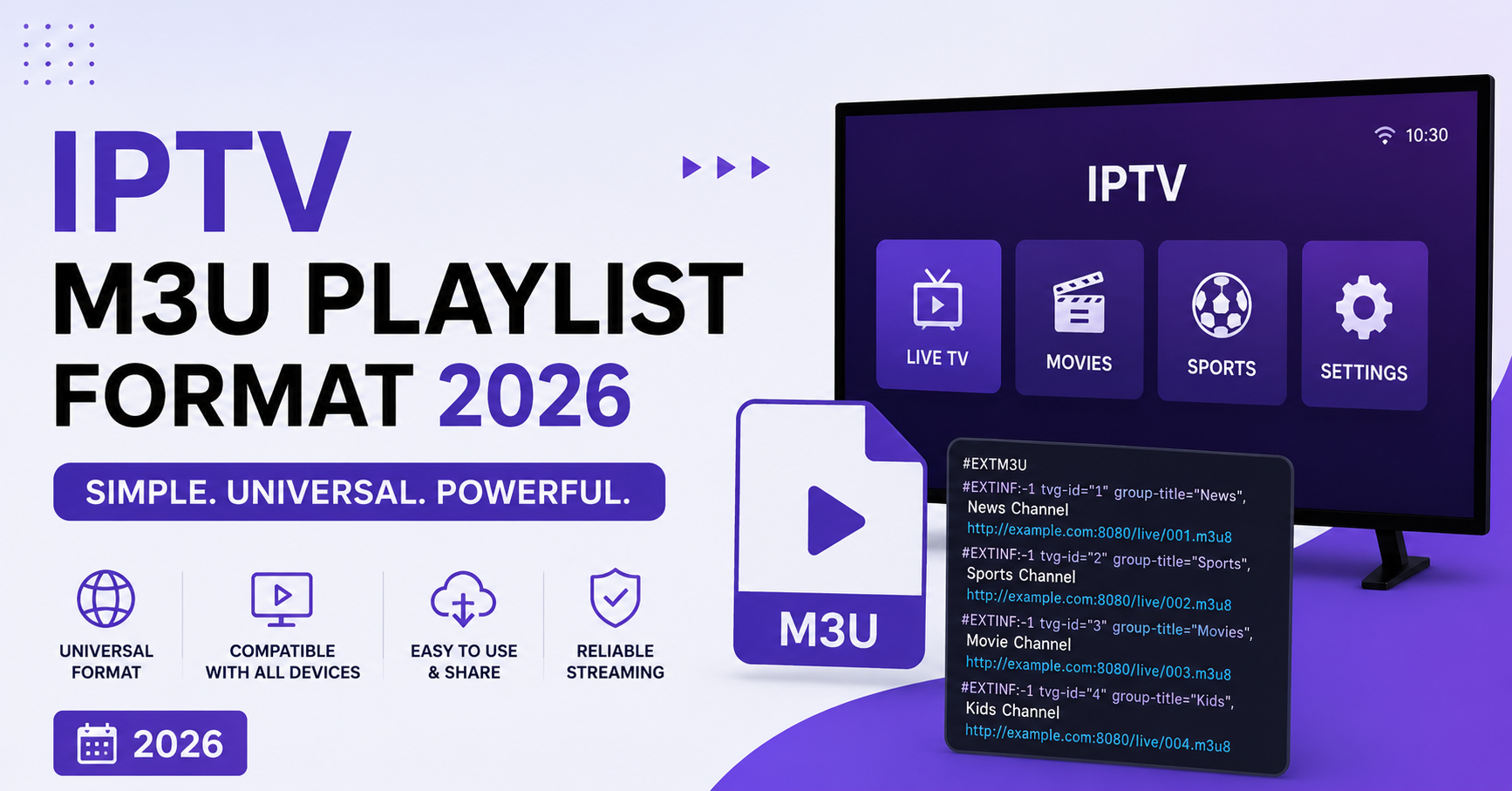
#EXTM3U
#EXTINF:-1,BBC One HD
http://yourserver.com/live/user/pass/1001.ts
Three lines. The first declares the file type. The second describes the channel. The third points to the stream. Every entry after that repeats lines two and three. That repetition, scaled across thousands of channels, is your entire playlist.
The file extension matters less than people think. You’ll see .m3u and .m3u8 used almost interchangeably in 2026, but the meaningful difference is internal: .m3u8 signals UTF8 encoding, which you need the moment any channel name contains an accented letter, Arabic script, or an emoji. Save a multilingual list as plain ASCII .m3u and watch half your channel names turn into question marks.
Pro Tip:
Before distributing any playlist, open it in a hex editor and check the very first bytes. A UTF8 byte order mark (EF BB BF) sitting in front of #EXTM3U will break stricter parsers like older TiviMate builds. The header must be the literal first characters in the file, nothing before it.
The header line is not optional and not flexible
Every valid playlist opens with exactly one line:
#EXTM3UNo spaces before it. No blank line above it. Capitalized exactly as shown. We’ve seen playlists fail across an entire reseller panel because someone pasted content into a CMS that auto inserted a leading newline. The parser hit an empty first line, decided the file wasn’t an M3U at all, and rejected everything.
In 2026 you’ll also see header attributes attached to this line, which earlier formats never used:
#EXTM3U url-tvg="http://yourserver.com/epg.xml" x-tvg-url="http://backup.com/epg.xml"These tell the player where to fetch electronic programme guide data globally, so you don’t have to repeat the EPG source on every channel. Most modern apps read it. A few legacy ones ignore it. If your EPG vanishes, this line is the first suspect.
Breaking down the EXTINF line, where everything goes wrong
This is the line that carries all the channel information, and it’s where the IPTV M3U playlist format 2026 trips up the most people. Its anatomy:
#EXTINF:-1 tvg-id="bbc1" tvg-name="BBC One" tvg-logo="http://logo.png" group-title="UK Sports",BBC One HDRead it left to right. The duration value comes first. For live streams it’s always -1, meaning indefinite length. Then come the attributes, each in key=”value” form. Then, critically, a comma. Then the display name that actually shows in the channel list.
That comma is the single most important character in the entire format. Everything before it is metadata for the app to parse. Everything after it is the human readable name. Forget the comma and the parser swallows your channel name as part of the last attribute, leaving you with a nameless, invisible channel.
| Common EXTINF Tag | What It Controls | What Breaks If Wrong |
|---|---|---|
| tvg-id | Links channel to EPG data | Guide shows blank or wrong programmes |
| tvg-name | EPG matching fallback | Guide fails to attach |
| tvg-logo | Channel icon URL | Missing or default logo |
| group-title | Category grouping | Channels dumped into one giant list |
| The comma | Separates metadata from name | Channel name disappears entirely |
The attribute order myth that wastes reseller hours
Here’s something that contradicts what half the tutorials online tell you: the order of attributes inside the EXTINF line does not matter to a compliant parser. You can put group-title before tvg-logo or after it. The parser keys off the attribute names, not their position.
What actually matters is the quoting. Every value must sit inside straight double quotes. Curly quotes, single quotes, or unquoted values with spaces will break parsing in most apps, even though a few forgiving ones tolerate it. We watched an IPTV business owner spend an entire afternoon reordering tags to fix a loading bug, when the real culprit was a single unquoted group title with a space in it.
Pro Tip:
If you generate playlists programmatically, escape or strip commas from inside channel names. A channel literally called “News, Sport & Weather” will be truncated at the first comma by some clients, because they read the comma as the metadata separator even mid name. Replace it with a different character before output.
Why character encoding silently destroys playlists
Encoding is the quiet killer. A playlist can be flawless in structure and still fail completely because of how it was saved.
The rule for 2026: save as UTF8 without BOM. That combination handles every language, every special character, every emoji a panel owner might stuff into a group name, while staying compatible with the widest range of players.
Where this goes wrong:
- A reseller edits the file in Windows Notepad, which historically defaults to a different encoding and can inject a BOM
- A copy paste through a web form converts straight quotes to typographic curly quotes
- A file moved between operating systems picks up the wrong line endings, mixing Windows carriage returns with Unix line feeds
That last one deserves attention. Inconsistent line endings confuse some parsers into reading two lines as one. The safest choice is Unix style line feeds throughout. If you’re handing playlists to customers across the IPTV distribution network, standardize this at the source rather than debugging it per device later.
A real migration that went sideways
During a panel migration last year, we moved roughly four thousand channels to a new server. The export looked perfect. Channel counts matched. URLs were live. Yet a third of customers reported missing logos.
The cause turned out to be embarrassingly small. The old server served logo images over one protocol, the new one forced a stricter secure protocol, and the tvg-logo URLs in the playlist still pointed to the old insecure addresses. Apps that blocked mixed content silently dropped the logos. No error. Just gaps.
The lesson for any IPTV operator: when you change infrastructure, audit every URL inside the playlist, not just the stream URLs. Logos, EPG sources, and catchup links all live in that file and all break independently.
Group titles are your retention tool, not just organization
Most resellers treat group-title as an afterthought. That’s a mistake we see constantly. The way you group channels directly affects how usable customers find your service, and usability drives renewals.
A subscriber who opens the app to a single undifferentiated wall of three thousand channels feels overwhelmed and assumes the service is messy. The same channel list, organized into clean groups like “UK Entertainment,” “Sports HD,” “Kids,” and “4K Premium,” feels curated and professional. Same streams. Completely different perceived quality.
Practical grouping habits that reduce churn:
- Keep group names short, because long names get truncated on TV interfaces
- Put your strongest content groups near the top of the file, since many apps preserve file order
- Use consistent naming across your whole catalogue so EPG and category sorting behave predictably
- Avoid special symbols in group names that some parsers choke on
A reseller panel that exports clean, well grouped playlists by default gives every sub-reseller downstream a better looking product without any extra work on their end.
Catchup and timeshift tags most playlists ignore
The IPTV M3U playlist format 2026 supports catchup functionality that a surprising number of operators never configure, leaving a premium feature switched off. The relevant attributes look like this:
#EXTINF:-1 catchup="default" catchup-days="7" catchup-source="http://server/catchup/...",Channel NameThis tells compatible apps that the channel offers recorded playback going back a set number of days. When customers can scroll back and watch a match they missed, perceived value jumps. We’ve seen trial conversion rates climb noticeably on panels that ship catchup enabled versus those that don’t, simply because the trial feels richer.
Pro Tip:
Catchup only works when your backend genuinely stores the archive. Adding the catchup tag to a server that records nothing produces error screens that look worse than having no catchup at all. Verify the backend before advertising the feature to customers.
Cheap versus professional playlist handling
The difference between an amateur and a professional setup rarely shows in a single file. It shows in how playlists behave at scale, during load, and through change.
| Amateur Playlist Handling | Professional Playlist Handling |
|---|---|
| Edited by hand in a basic text editor | Generated by the panel automatically |
| Encoding left to chance | Forced UTF8 without BOM every time |
| URLs hardcoded to one server | URLs routed through a stable hostname |
| Logos point to random external hosts | Logos hosted on controlled infrastructure |
| No validation before delivery | Automated syntax check on export |
| Breaks silently on migration | Audited URL by URL during any move |
That stable hostname point matters more than it looks. When a panel owner hardcodes a raw server IP into thousands of customer playlists, every server change becomes a catastrophe, because each customer file points at an address that no longer exists. Route through a domain name instead and you can repoint the backend without touching a single distributed playlist.
What support tickets reveal about format errors
After reviewing hundreds of support requests, a pattern emerges that’s almost comically consistent. The overwhelming majority of “nothing loads” tickets come down to four causes, in rough order of frequency: wrong encoding, a corrupted header line, an expired or mistyped URL, and the app simply not supporting a tag the playlist uses.
Notice what’s missing from that list: actual server problems. The infrastructure is usually fine. The format is what fails. This is why experienced operators teach their support staff to request the raw playlist first, before troubleshooting anything server side. Nine times in ten, the answer is sitting in the first three lines of the file.
Validating a playlist before you ship it
Here’s the workflow we follow before any playlist reaches a customer or sub-reseller:
- Confirm the file opens with #EXTM3U as the literal first line, no BOM, no blank line above
- Check the encoding is UTF8 without a byte order mark
- Spot check several EXTINF lines for the mandatory comma before the channel name
- Verify all attribute values sit inside straight double quotes
- Test load the file in at least two different apps, since parsers disagree
- Confirm a sample of stream URLs actually return video, not just an HTTP 200
Skipping step five is where most people get burned. A playlist that loads perfectly in one player can collapse in another because the second parser is stricter. Test across the apps your customers actually use.
Frequently asked questions
What is the IPTV M3U playlist format 2026 in simple terms?
It’s a plain text file that pairs channel names with their streaming URLs, using an extended structure that adds logos, categories, and guide data. The 2026 standard expects UTF8 encoding, a single #EXTM3U header line, and properly quoted attributes on each channel entry. Get those three things right and most playback problems disappear.
Why does my IPTV M3U playlist format 2026 file fail to load at all?
Almost always encoding or the header. If the file wasn’t saved as UTF8, or if anything sits before the #EXTM3U line including a hidden byte order mark or blank line, strict parsers reject the entire file. Re-save it as UTF8 without BOM, ensure the header is the first characters, and reload before assuming a server fault.
Is M3U different from M3U8 for IPTV?
Functionally they’re the same playlist structure. The .m3u8 extension specifically signals UTF8 encoding, which you need for any non English channel names or special characters. In 2026, defaulting to .m3u8 with UTF8 saves you from the most common encoding failures, so most operators use it as standard.
Does attribute order inside the EXTINF line matter?
No. A compliant parser reads attributes by their names, so tvg-logo can come before or after group-title without issue. What does matter is that every value sits inside straight double quotes and that the comma separating metadata from the channel name is present. Order is a myth that wastes troubleshooting time.
How should an IPTV reseller deliver playlists to customers?
A reseller panel should generate playlists automatically with forced UTF8 encoding and URLs routed through a stable domain rather than a raw server IP. This lets a panel owner change backend infrastructure without breaking any distributed file. Manual hand editing introduces encoding and syntax errors that generate avoidable support tickets across the reseller network.
Can a subscriber fix a broken playlist themselves?
Often yes. Most subscriber side failures come from re-saving the file in an editor that changes its encoding or quotes. Avoid editing the file at all where possible. If you must, use an editor that preserves UTF8 without BOM and never let autocorrect convert straight quotes to curly ones, which silently breaks parsing.
Why do my channel logos disappear after a server change?
Because logo URLs inside the playlist point to their own addresses, independent of the stream URLs. If the new server enforces secure connections and the old logo links use insecure ones, apps blocking mixed content drop them. Audit every tvg-logo URL during any migration, not just the stream links.
Execution checklists
For subscribers:
- Never edit the playlist file in a basic editor that alters encoding
- If a list stops loading, request a fresh copy before troubleshooting your device
- Keep autocorrect and smart quotes switched off in any editor you do use
- Test the playlist in the specific app you intend to watch on
For resellers:
- Force UTF8 without BOM on every exported playlist
- Route stream URLs through a stable domain, never a raw server IP
- Audit tvg-logo and EPG URLs during any server migration
- Validate syntax automatically before delivery rather than relying on customers to report breaks
- Group channels cleanly to raise perceived service quality and reduce churn
For sub-resellers:
- Pull playlists directly from the panel rather than hand editing inherited files
- Confirm catchup tags match a backend that actually records archives
- Spot check several channel entries for the mandatory comma before reselling
- Keep a known good reference playlist to compare against when something breaks
Pulling it together
The IPTV M3U playlist format 2026 rewards discipline and punishes carelessness in equal measure. The format itself is small enough to learn in an afternoon, yet the failure modes are subtle enough to cost an unprepared operator real customers. Encoding, the header line, the comma, and properly quoted attributes carry almost all the weight. Master those four points and you’ve eliminated the vast majority of playback complaints before they ever reach your support queue. For a deeper walkthrough of panel based playlist generation, the team at britishseller.co.uk covers UK IPTV reseller side automation in practical detail.
The deeper lesson sits underneath all the syntax: in IPTV, the format is the product. A customer never sees your server architecture, but they feel every encoding error and every broken channel name instantly. Treat the playlist as a first class deliverable, validate it before it leaves your hands, and you turn a fragile text file into a quiet competitive advantage.