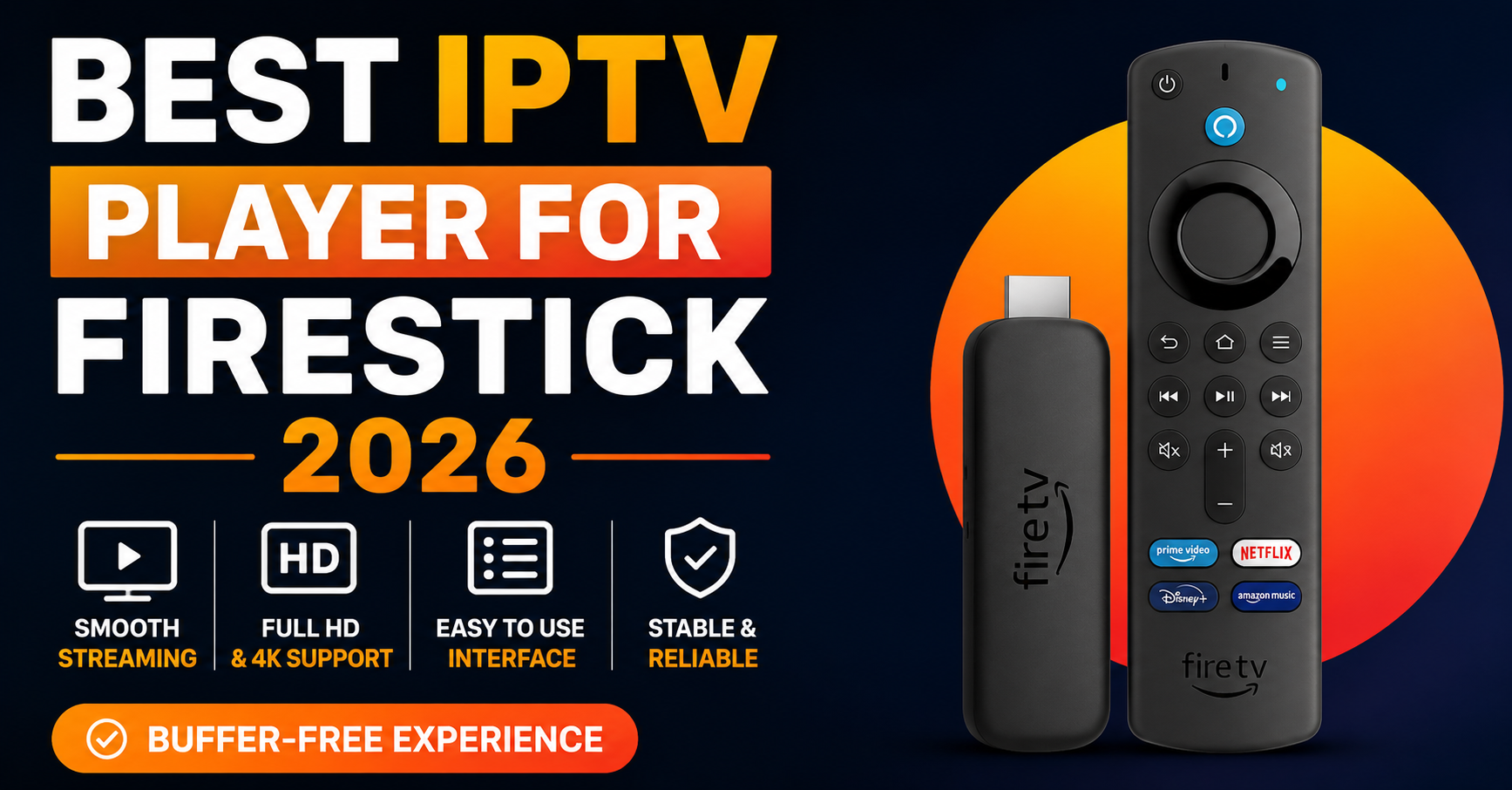
Best IPTV Player for Firestick 2026: 15 Tested & Ranked
The Firestick is a deceptively weak piece of hardware. A base 3rd-gen stick runs on roughly 1GB of RAM and a modest quad-core SoC, and yet people routinely ask it to render a 12,000-channel electronic programme guide while decoding an H.265 stream in the background. That mismatch — cheap silicon, heavy software demand — is the single biggest reason two people running the same IPTV subscription report wildly different experiences. One says it’s flawless; the other blames their provider for stutter that is actually the player choking the device.
So when people search for the best IPTV player for Firestick in 2026, the honest answer isn’t a single app. It’s a question of which app suits which stick, which playlist size, and which decoding path. This guide ranks fifteen of them against those realities rather than against a marketing checklist.
How These Players Were Judged
Before the rankings, here’s the lens. A player’s quality on Fire OS comes down to a handful of things that rarely make it into glossy comparison posts:
- EPG render time on large playlists. Anything past 5,000 channels separates the well-built apps from the rest. A slow guide is the most common complaint, and it’s almost always the app, not the connection.
- Decoder behaviour. Does the app default to hardware decoding (the SoC does the work) or software decoding (the CPU does it, badly)? On a Firestick this single setting decides whether HEVC channels play smoothly.
- Buffer logic. How the app handles a brief network dip determines whether you see a two-second pause or a thirty-second freeze.
- Protocol support. M3U URL, Xtream Codes API, Stalker/MAG portal. Missing one of these limits which services the app can talk to.
- Install path and cost. Amazon App Store, or sideload via the Downloader app.
With that framework set, here is the ranked list.
The Top Tier: Players Worth Installing First
1. TiviMate
TiviMate remains the reference point that every other app is measured against, and that reputation is earned on the EPG alone. Its guide loads in seconds even on playlists past 10,000 channels, where lesser apps spend half a minute building the grid. Hardware decoding is on by default, which means the Firestick’s SoC handles the H.264 and H.265 streams natively rather than making the CPU sweat. IPTVSup
The catch is platform: TiviMate is Android-only, so it shines on Firestick and Android TV but won’t follow you to an iPhone or a Mac. The free tier covers basic playback; the premium tier — a few pounds a year — unlocks recording, multiple simultaneous playlists, and panel layouts.
Pro Tip: TiviMate’s “decoder” setting hides a third option beyond hardware and software — “hardware (extended).” On 4K Max sticks this fixes audio-sync drift on certain HEVC channels that the default mode handles poorly. Most users never open that menu.
2. IPTV Smarters Pro
If TiviMate wins on polish, Smarters Pro wins on reach. It has the widest platform coverage of any reviewed player — Firestick, Android TV, Samsung Smart TV, LG Smart TV, iOS, Android, Windows, and Mac. The same login works across every device in a household, which matters more than any single feature when a family runs four screens. IPTV Ranking
It supports both M3U URLs and Xtream Codes API login, so it talks to nearly any provider. The interface is more dated than TiviMate’s, and the EPG render is heavier on big playlists, but for a beginner it’s the lowest-friction starting point on this list.
3. XCIPTV
XCIPTV is the strongest fully free option in 2026. It bundles features — DVR recording, multi-screen, a Netflix-style VOD layout — that competitors paywall, and it ships with both ExoPlayer and VLC engines built in, which all but eliminates codec headaches. The trade-off: it must be sideloaded, as it’s in no app store. On Firestick the Downloader code is 730116.
The Mid Tier: Strong With Caveats
These four are genuinely good but carry a condition you should know before installing.
| Player | Standout strength | The caveat |
|---|---|---|
| OTT Navigator | Deepest customisation on Fire OS — every buffer and decoder value is editable | Overwhelming for casual users; easy to misconfigure |
| IPTV Extreme | Stable, with recording and multi-EPG support | Interface feels older than its capabilities |
| Perfect Player | Lightweight; ideal for 1GB Fire TV Lite sticks | Development has slowed; fewer modern niceties |
| Kodi (+ PVR add-on) | A full media centre, endlessly flexible | Steep setup; rewards tinkerers, punishes the impatient |
OTT Navigator deserves a specific mention for power users. Where most apps hide their buffering behaviour, OTT Navigator exposes the buffer size in milliseconds. On a flaky connection, raising this value trades a longer initial load for far fewer mid-stream freezes — the kind of control that turns an unwatchable channel into a reliable one.
Pro Tip: Perfect Player is the unsung hero of the budget Firestick. On a 1GB Lite stick, TiviMate’s rich EPG can stutter simply because there isn’t enough RAM. Perfect Player’s lean footprint plays the same streams smoothly on the same hardware. Match the app to the silicon, not to the review-site hype.
Why “Best” Depends on Your Stick
A point the rankings can’t capture in a table: the best IPTV player for Firestick changes with the device generation. The mapping is roughly this:
- Fire TV Stick Lite / 3rd-gen (1GB RAM): Perfect Player or IPTV Smarters Pro. TiviMate’s heavier guide can lag here.
- Fire TV Stick 4K (1.5–2GB): TiviMate handles this comfortably; XCIPTV too.
- Fire TV Stick 4K Max / Cube (2GB+): Anything on this list runs well. Pick on features, not performance.
The Lower Tier: Situational or Fading
The remaining eight players each have a narrow reason to exist, and an honest guide should say so plainly rather than pad the list.
GSE Smart IPTV still works on Fire TV via sideload and is a sensible fallback if you already use it on an iPhone, but more actively developed apps serve better as a primary choice. VLC opens an M3U stream and plays nearly any codec ever made — and that’s where its IPTV usefulness ends. There’s no EPG, no Xtream Codes API, no channel groups, no favorites, no watch history. Treat it as an emergency external player, not a daily driver. IPTV One
The rest — IBO Player, Smarters Player Lite, Sparkle TV, IPTV Pro, Lazy IPTV, and 9Xtream — fill specific gaps: a Tizen/WebOS-first design here, a stripped-back free build there. None displaces the top three on a Firestick, and chasing them is usually a sign of a deeper problem the app can’t fix.
The Pattern Behind Most “Bad Player” Complaints
After comparing how these apps behave on Fire OS, the same failure shows up again and again, and it’s worth naming because it saves people from app-hopping forever: most “this player is buffering” complaints trace back to software decoding being left on. The app falls back to CPU decoding for HEVC, the modest Firestick processor can’t keep pace, and the user blames the app — or worse, the provider — and reinstalls a different player that does exactly the same thing.
Pro Tip: Before you judge any player, open its decoder settings and force hardware decoding. Then test a known-busy channel. If smoothness improves, the app was never the problem — the default decoder path was. This one check resolves more buffering reports than switching apps ever will.
Free vs Paid: What Actually Costs Money
A fair summary of the spend question, because the marketing muddies it:
| Tier | Players | What you give up |
|---|---|---|
| Fully free, no real limits | XCIPTV, IPTV Smarters Pro | Polish on huge playlists |
| Free base, paid unlock | TiviMate, OTT Navigator | Recording & multi-playlist behind a small fee |
| Genuinely worth paying | TiviMate Premium (~£4–10/yr) | Nothing — best value upgrade in the category |
For most households, TiviMate Premium’s yearly fee pays for itself in saved friction within a month if you watch live TV daily or juggle more than one provider. If you watch casually with a single playlist, a free player is genuinely enough — don’t pay for features you won’t open.
The smarter move before committing to any of them is to install two or three free versions and test them against your own subscription on your own stick. Hardware, playlist size, and connection vary so much that the only review that matters is the one you run yourself. The same logic applies upstream: a stable app on an unstable service still buffers, which is why the quality of the underlying subscription matters as much as the player — a point worth weighing when you choose a reliable IPTV provider rather than blaming the app for stream-side faults.
Frequently Asked Questions
What is the best IPTV player for Firestick in 2026?
For most Firestick users, TiviMate is the best IPTV player in 2026 thanks to its fast EPG and default hardware decoding. If you need cross-platform support across phones and computers, IPTV Smarters Pro is the better pick. For a fully free option with recording built in, XCIPTV leads the field.
Is TiviMate free on Firestick?
TiviMate has a free tier that covers basic live TV playback. Recording, multiple simultaneous playlists, and panel layouts require TiviMate Premium, which costs only a few pounds per year. The free version is fine for a single playlist; the premium upgrade is among the best-value purchases in streaming if you watch daily.
Why does my IPTV player keep buffering on Firestick?
The most common cause is software decoding being left enabled. On a Firestick’s modest processor, CPU decoding of HEVC streams causes stutter. Open your player’s decoder settings, force hardware decoding, and retest. This fixes more buffering complaints than switching apps. A weak Wi-Fi connection or an overloaded provider can also be responsible.
Which IPTV player is best for the cheap Fire TV Stick Lite?
On the 1GB Fire TV Stick Lite, choose a lightweight player like Perfect Player or IPTV Smarters Pro rather than TiviMate. TiviMate’s rich electronic programme guide can lag on limited RAM. Matching the app’s footprint to the device’s hardware matters far more than picking the most feature-packed option.
Do I need to sideload IPTV players on Firestick?
Some players, like IPTV Smarters Pro, can be installed straight from the Amazon App Store. Others — including TiviMate, XCIPTV, and GSE Smart IPTV — must be sideloaded using the free Downloader app and an APK link or code. Sideloading is straightforward but requires enabling app installs from unknown sources in your Fire TV settings.
What’s the difference between M3U and Xtream Codes in these apps?
M3U is a playlist file or URL listing channels; Xtream Codes API uses a username, password, and server URL to log in. Xtream Codes generally delivers a better experience because it pulls the EPG and channel categories automatically. The best IPTV player for Firestick should support both, as TiviMate and IPTV Smarters Pro do.
Can IPTV UK resellers recommend a default player to customers?
Yes, and the smart ones do. Recommending one well-supported player — usually IPTV Smarters Pro for its simplicity or TiviMate for power users — cuts support tickets dramatically. Standardising on a single app means your setup guides and troubleshooting steps apply to everyone, instead of fielding questions across a dozen different interfaces.
Is VLC a good IPTV player for Firestick?
VLC plays almost any video format and will open an M3U stream, but it has no EPG, no channel groups, no favourites, and no Xtream Codes support. It works as an emergency external player when another app struggles with an unusual stream, but it isn’t suitable as your main daily IPTV player on a Firestick.
Execution Checklist
For subscribers
- Install TiviMate first; if it works with your playlist, stop there.
- Open decoder settings and force hardware decoding before judging any app.
- Match the app to your stick’s RAM — lighter apps for the Lite/3rd-gen.
- Test two or three free versions against your own subscription before committing to a paid tier.
- Use Xtream Codes login over plain M3U when your provider offers it.
For resellers
- Standardise on one recommended player to keep support guides consistent.
- Build your setup walkthrough around the hardware-decoding step — it pre-empts most buffering tickets.
- Document the Downloader codes for any sideloaded apps you recommend.
- Note device-specific guidance (Lite vs 4K Max) in your onboarding material.
For sub-resellers
- Mirror the parent reseller’s recommended player to avoid fragmented support.
- Keep a short crib sheet of the decoder-setting fix to resolve the most common complaint instantly.
- Flag genuinely device-bound issues upward rather than blaming the stream.
That’s the honest shape of the Firestick IPTV player landscape in 2026: a small handful of genuinely excellent apps, a forced-hardware-decoding setting that quietly solves most complaints, and the simple truth that the right player depends on your stick as much as the app. Test on your own hardware, set the decoder correctly, and most “buffering” problems disappear before you ever blame the software.