The App Nobody Warned You About Before You Bought Credits
Here is something that catches resellers off guard more than any pricing mistake or server outage: a customer with a perfectly working IPTV subscription who still cannot watch television properly. The streams buffer. The EPG is broken. Channels disappear mid-programme. The provider gets blamed, the panel gets blamed, the server gets blamed — and nine times out of ten, the issue is the app.
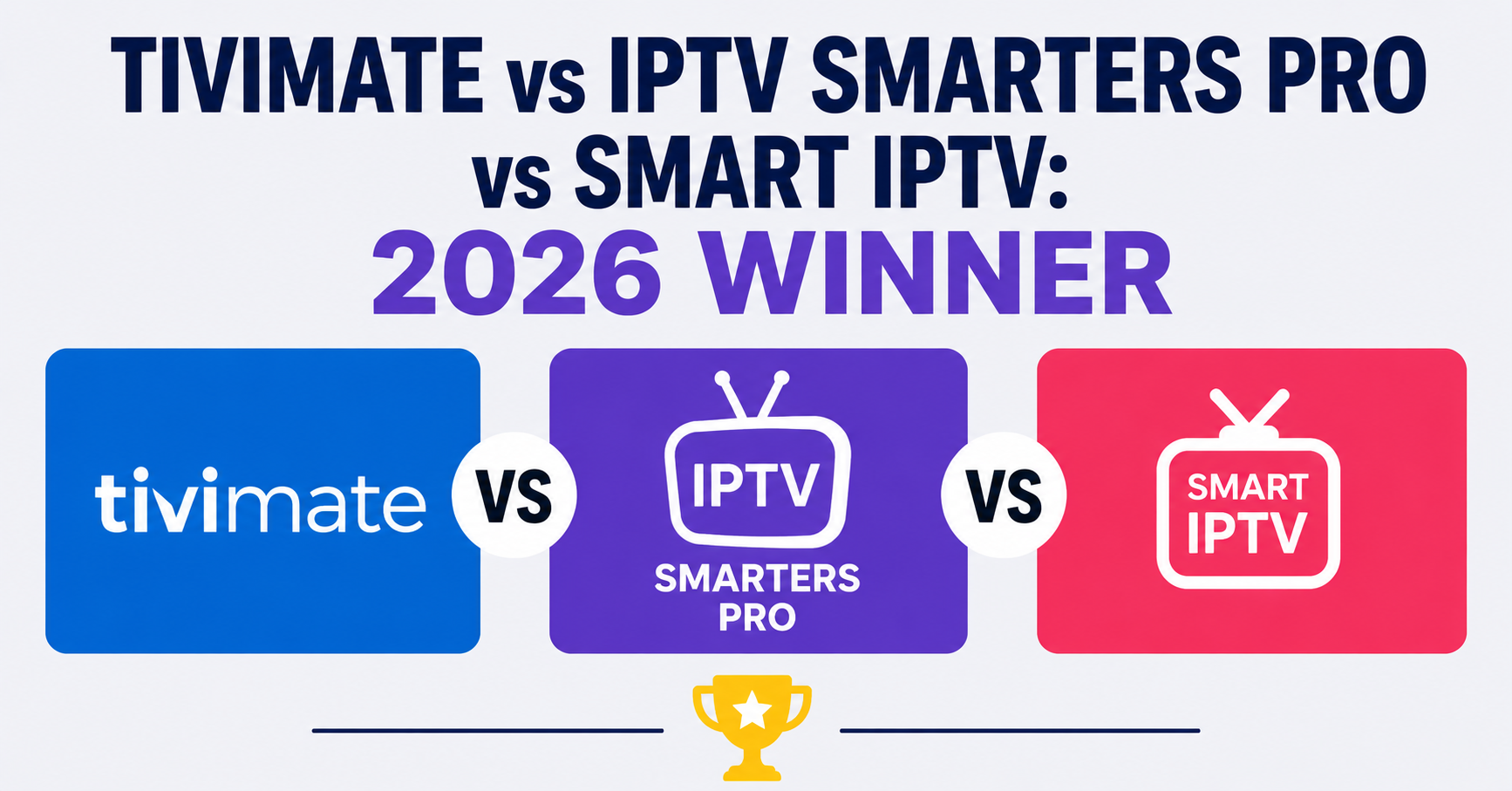
When you are evaluating TiviMate vs IPTV Smarters Pro vs Smart IPTV, you are not just choosing a piece of software. You are choosing how stable your customers’ experience will be, how many support tickets you will receive this week, and ultimately, how long those customers stay subscribed.
This comparison is not a marketing piece. It is drawn from actual panel management experience, real customer support patterns, and the kind of observations you only make after dealing with hundreds of UK IPTV reseller setups across UK households.
What Each App Actually Is — And Is Not
Before the comparison, let us be precise about what these three applications actually represent, because they are not competing on an equal footing.
TiviMate is a dedicated IPTV player built exclusively for Android. It was developed with one purpose: to play IPTV streams as efficiently as possible while delivering an interface that feels like a proper broadcast television experience. It does not try to be anything else.
IPTV Smarters Pro is a white-label framework. What you see depends heavily on the provider who deployed it. The underlying engine is Xtream Codes API-based, and the app is designed to be provider-branded and reseller-friendly. It runs across Android, iOS, Windows, and macOS.
Smart IPTV operates differently from both. It is primarily a Smart TV app — Samsung Tizen and LG webOS — that accepts M3U playlists and EPG sources. It has no reseller login system. There is no Xtream Codes integration by default. You load your playlist and it plays.
Understanding this distinction matters before you advise a single customer.
The Device Split That Changes Everything
One of the most common mistakes we see resellers make is recommending the same app to every customer regardless of what device they are using. The TiviMate vs IPTV Smarters Pro vs Smart IPTV decision is, in large part, a device decision first.
| Device | TiviMate | IPTV Smarters Pro | Smart IPTV |
|---|---|---|---|
| Amazon Firestick | Excellent | Good | Not available |
| Android TV Box | Excellent | Good | Not available |
| Samsung Smart TV | Not available | Limited (via browser) | Excellent |
| LG Smart TV | Not available | Limited | Excellent |
| iPhone / iPad | Not available | Good | Limited |
| Windows PC | Not available | Good | Not available |
| Android Phone | Good | Good | Not available |
The moment a customer tells you they are watching on a Samsung or LG television, TiviMate is already off the table. This sounds obvious written down, but the number of support tickets generated by resellers who sent TiviMate setup instructions to Smart TV users is genuinely remarkable.
Pro Tip: Before sending any setup guide, ask the customer two questions: what device are they watching on, and what operating system does it run? That single step eliminates the majority of app-related support tickets before they happen.
TiviMate in Practice: Where It Dominates
For Android-based devices — Firestick, Nvidia Shield, Android TV boxes — TiviMate is the most polished experience currently available in the IPTV player market. The interface mimics a broadcast TV guide layout, which matters more than most people assume. UK customers who have spent decades using Sky or Virgin Media have a muscle memory for that grid-style EPG. TiviMate delivers exactly that.
The premium version, TiviMate Companion, unlocks multiple playlists, automatic EPG refresh, catch-up functionality, and parental controls. The annual subscription cost is minimal — well under £10 in most regions — and the conversion rate from free to paid among serious IPTV users is noticeably higher than with competing apps.
During a reseller panel migration project last year, we monitored churn rates across customer segments using different apps. Customers on TiviMate with the premium version retained at a measurably higher rate than those using free alternatives. The theory is straightforward: the more comfortable the interface, the less likely the customer is to question whether the service is working correctly.
What TiviMate does well:
- EPG stability and refresh handling
- Multiple playlist management without app conflicts
- Hardware acceleration support on mid-range Android boxes
- Recording functionality (premium tier)
- PIN-protected channel locking for family setups
Where it struggles:
- No native iOS support
- No Samsung or LG app
- Sideloading required on some Firestick versions
- Customer onboarding requires slightly more technical guidance
IPTV Smarters Pro: The Reseller-Friendly Middle Ground
If TiviMate is built for the end viewer, IPTV Smarters Pro is built with the reseller in mind. Its Xtream Codes login flow means customers enter a portal URL, username, and password — the exact credentials generated by every standard IPTV panel. There is no playlist management to explain. No EPG URL to configure separately. The customer logs in and the app populates automatically.
That simplicity has a real commercial value. After reviewing hundreds of support requests across multiple panel operations, the onboarding failure rate with IPTV Smarters Pro is considerably lower than with manual M3U configurations. Customers who cannot figure out how to set up their service cancel. It is that direct.
IPTV Smarters Pro also supports Xtream Codes VOD and Series libraries natively, which matters for providers offering catch-up or on-demand content alongside live channels. The VOD browsing interface is functional and recognisable to users familiar with streaming platforms.
However, the app carries a reputation problem that has been building for several years. Performance on lower-end Android devices can be inconsistent. Some users report higher buffering rates compared to TiviMate on identical connections, which points to differences in how each app handles HLS stream buffering and decoder selection.
Pro Tip: If customers report buffering exclusively on IPTV Smarters Pro but not on other apps using the same playlist, the first thing to check is the video decoder setting. Switching from hardware to software decoder — or vice versa — resolves the issue in a significant number of cases without any server-side changes.
Smart IPTV: The Samsung and LG Solution Nobody Else Solves
Here is the honest reality of UK IPTV households: a substantial portion of subscribers are watching on Samsung or LG televisions purchased in the last five years. These devices run Tizen or webOS respectively. Neither TiviMate nor IPTV Smarters Pro has a native application on either platform.
Smart IPTV fills that gap completely.
The app is installed directly through the Samsung or LG app store. The customer visits a setup page, enters their TV’s MAC address, uploads or links their M3U playlist, and the service activates within minutes. There is no sideloading, no Android box required, no additional hardware purchase. For a large segment of UK subscribers, Smart IPTV is simply the only viable native option.
One-time activation costs approximately £5.49 per device, which is either absorbed by the reseller as a value-add or passed to the customer as a setup fee. Neither approach is wrong — it depends on the positioning of the service.
Limitations worth being transparent about:
- No Xtream Codes login support — M3U only
- EPG requires a separate XMLTV source configuration
- Interface is functional but not as polished as TiviMate
- Occasional playlist reload delays after Samsung firmware updates
- No VOD library browsing in the traditional sense
We have seen resellers lose Smart TV customers not because of stream quality but because the EPG configuration was never completed during setup. A channel list without programme guide data feels broken to customers who expect it. Always confirm EPG is loading correctly before considering a setup complete.
The Support Ticket Test: What Real Complaints Reveal
One useful way to evaluate TiviMate vs IPTV Smarters Pro vs Smart IPTV is through support ticket analysis. After tracking complaint patterns across panel operations over multiple months, the distribution looked roughly like this:
| Issue Type | TiviMate | IPTV Smarters Pro | Smart IPTV |
|---|---|---|---|
| App crashes | Low | Medium | Low |
| EPG not loading | Low | Medium | Medium-High |
| Buffering complaints | Very Low | Medium | Low |
| Login / setup failures | Medium | Low | Medium |
| VOD not working | N/A | Medium | N/A |
| Firmware update breakage | Low | Low | Occasional |
The pattern that emerges: TiviMate generates fewer post-setup complaints but more initial setup queries. IPTV Smarters Pro generates fewer setup queries but more ongoing performance complaints. Smart IPTV sits in the middle on most metrics, with firmware-related disruptions appearing occasionally after major Samsung and LG updates.
This is not a condemnation of any single app. It reflects the trade-off each one makes between ease of entry and long-term stability.
Pro Tip: Build app-specific setup guides for each device type you support. A single generic PDF sent to every customer creates support tickets because the screenshots never match. Three targeted guides — one per app — reduce incoming queries significantly within the first billing cycle.
Reseller Economics: The Hidden Cost of App Choice
The commercial dimension of the TiviMate vs IPTV Smarters Pro vs Smart IPTV decision is rarely discussed openly, but it materially affects reseller margins and customer lifetime value.
TiviMate’s premium upgrade belongs to the customer, not the reseller. Once a subscriber purchases TiviMate Companion, they have invested in the ecosystem personally. That personal investment creates a retention effect — customers are marginally more likely to switch provider than switch app, which means if your service is solid, that TiviMate purchase quietly works in your favour.
IPTV Smarters Pro creates a different dynamic. The Xtream Codes login model means a customer can switch providers by simply logging out and logging in again. There is no friction. No investment. That is convenient for the customer and inconvenient for retention. It is worth factoring into how aggressively you price and how consistently you maintain service quality.
Smart IPTV’s one-time fee creates mild switching friction — the customer has a working setup and would need to reconfigure it for a new M3U if they changed provider. Not a moat, but a small buffer.
For resellers operating in the UK market, britishseller.co.uk offers panel credit systems compatible with all three app types, which simplifies multi-device customer management without forcing a single-app strategy.
Head-to-Head: TiviMate vs IPTV Smarters Pro vs Smart IPTV
| Criteria | TiviMate | IPTV Smarters Pro | Smart IPTV |
|---|---|---|---|
| Best device | Firestick / Android box | Multi-platform | Samsung / LG TV |
| EPG quality | Excellent | Good | Moderate |
| Ease of setup | Moderate | Easy | Moderate |
| VOD support | No | Yes | No |
| Cost to customer | Free + £8/yr premium | Free | £5.49 one-off |
| Reseller branding | No | Yes (white-label) | No |
| iOS support | No | Yes | No |
| Samsung / LG native | No | No | Yes |
| Buffer management | Excellent | Moderate | Good |
| Long-term stability | High | Moderate | Moderate |
Making the Recommendation: A Framework for Resellers
Rather than picking a winner and applying it universally, experienced operators use a device-first qualification process. The comparison of TiviMate vs IPTV Smarters Pro vs Smart IPTV is most useful when treated as a decision tree rather than a league table.
Step 1: Identify the customer’s primary viewing device.
Step 2: Confirm the operating system — Android, Tizen, webOS, iOS, Windows.
Step 3: Assess technical confidence. Lower confidence customers benefit from IPTV Smarters Pro’s simpler login. Higher confidence users handle TiviMate’s setup without difficulty.
Step 4: Confirm whether VOD is part of the package. If yes, IPTV Smarters Pro is the only app of the three with proper VOD library support.
Step 5: For Samsung and LG televisions, Smart IPTV is the practical recommendation unless the customer also uses an Android device for secondary viewing.
Following this process consistently, support ticket volume drops and customer satisfaction scores improve — not because the apps change, but because the right app reaches the right customer.
FAQ: TiviMate vs IPTV Smarters Pro vs Smart IPTV
1. Which app is best for Amazon Firestick in the UK?
TiviMate is the strongest option for Firestick. Its interface is optimised for remote navigation, EPG performance is reliable, and the premium tier adds recording and multi-playlist support. IPTV Smarters Pro works on Firestick but has more variable performance depending on the device generation and connection quality.
2. Can I use TiviMate vs IPTV Smarters Pro vs Smart IPTV on a Samsung TV?
TiviMate and IPTV Smarters Pro are not natively available on Samsung Smart TVs. Smart IPTV is the recommended solution for Samsung Tizen devices. It installs directly from the Samsung app store and accepts M3U playlists without additional hardware.
3. Is IPTV Smarters Pro free? The base version of IPTV Smarters Pro is free. Some providers distribute branded versions with specific features enabled or disabled. TiviMate also has a free version, but meaningful features — multiple playlists, EPG automation, catch-up — require the Companion subscription at roughly £8 annually.
4. Which IPTV app has the best EPG for UK channels?
TiviMate consistently delivers the most reliable EPG experience when configured with a quality XMLTV source. It handles automatic refreshes more gracefully than IPTV Smarters Pro and maintains EPG data more consistently across channel list updates. Smart IPTV’s EPG performance depends heavily on the quality of the M3U and XMLTV source provided.
5. As a reseller, which app should I recommend to new customers?
For new customers on Android or Firestick, start with IPTV Smarters Pro for easiest onboarding, then guide power users toward TiviMate if they want a better long-term interface. For Samsung and LG TV customers, Smart IPTV is the only practical native option. Matching app to device type is more important than picking a single preferred app.
6. Does Smart IPTV support Xtream Codes?
No. Smart IPTV uses M3U playlist loading only. This means customers cannot log in with a panel username and password directly. Resellers need to generate M3U URLs from their panel and provide these to Smart TV customers instead of the standard Xtream Codes credentials.
7. Which app handles buffering best on slow UK broadband connections?
TiviMate generally handles lower bandwidth conditions more gracefully due to superior buffer management and hardware acceleration on Android. That said, stream quality depends significantly on the IPTV provider’s infrastructure. No app fully compensates for an underpowered server or high contention during peak hours.
8. Can one customer use TiviMate vs IPTV Smarters Pro vs Smart IPTV simultaneously?
Yes. Many households use different apps across devices — TiviMate on a Firestick in the living room, Smart IPTV on a Samsung TV in the bedroom, and IPTV Smarters Pro on a phone. Most reseller panels support multiple simultaneous connections per subscription, so this is a practical configuration for multi-device households.
Your 2026 Action Checklist
For Subscribers:
- Identify every device in your home before choosing an app
- If watching on Samsung or LG TV, install Smart IPTV from the official app store
- If using Firestick or Android box, trial TiviMate free before committing to premium
- Configure EPG source during initial setup — do not skip this step
- If your provider supports Xtream Codes login, IPTV Smarters Pro offers the simplest entry point
- For multi-device households, different apps on different screens is a legitimate and practical approach
For New Resellers:
- Build three separate setup guides — one for TiviMate, one for IPTV Smarters Pro, one for Smart IPTV
- During onboarding, ask the customer’s device type before sending any instructions
- Generate M3U URLs from your panel for Smart TV customers — Xtream Codes login will not work on Smart IPTV
- Track which app your customers are using so you can diagnose issues faster
- Consider absorbing the Smart IPTV one-time activation cost as a differentiator against competitors
For Established Resellers and Sub-Resellers:
- Audit your current support ticket log and categorise by app type — the pattern will reveal where your setup process is failing
- If IPTV Smarters Pro complaints are disproportionately high, review decoder settings in your setup documentation
- Test TiviMate EPG refresh timing against your panel’s EPG update schedule — mismatches are a common source of “EPG broken” tickets
- Evaluate whether white-label IPTV Smarters Pro branding is worth pursuing if you are operating at scale
- Review your multi-connection policy — households using TiviMate vs IPTV Smarters Pro vs Smart IPTV simultaneously will consume connections differently than single-app users
The comparison of TiviMate vs IPTV Smarters Pro vs Smart IPTV ultimately resolves not into a single winner but into a clearer understanding of which tool belongs in which context. An operator who knows that answer is already ahead of the majority of IPTV resellers competing for the same UK customers.