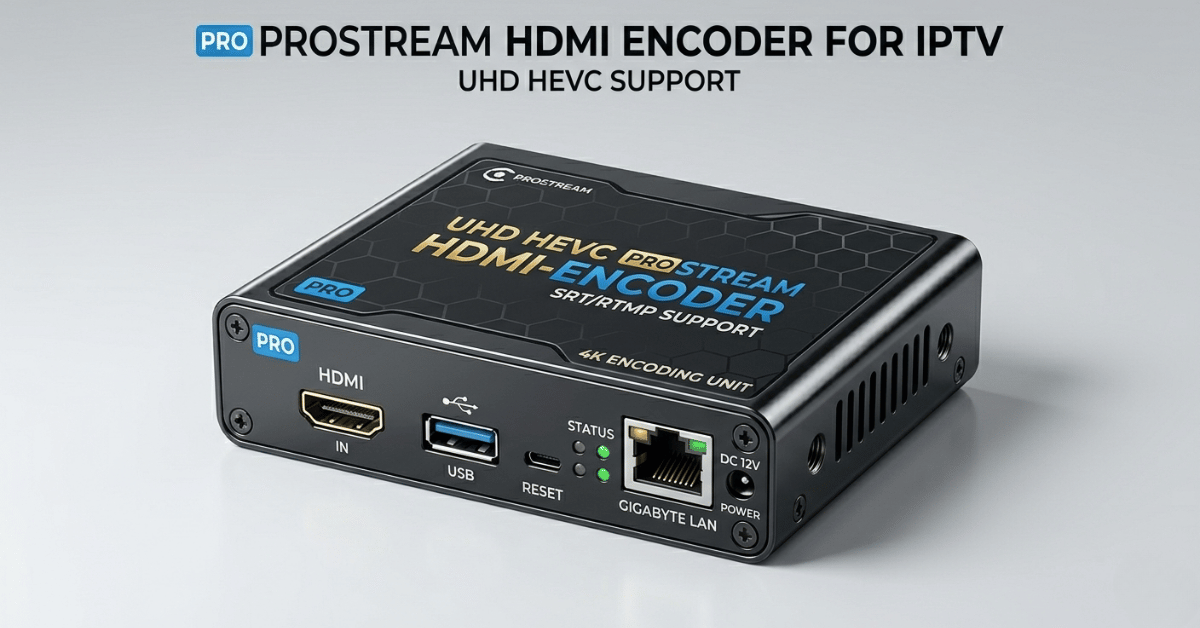
HDMI Encoder for IPTV: What Actually Happens When You Deploy One in a Reseller Operation
It was a Friday evening. I’d spent three weeks setting up a local community sports feed, a legitimate, privately operated fixture, using a mid-range HDMI encoder for IPTV feeding directly into my IPTV panel’s ingest server. The setup worked perfectly in testing. Clean 1080p output, stable HLS delivery, sub-three-second latency. I was genuinely proud of it.
Within ninety minutes of going live with the feed distributed across my subscriber base, my upstream panel flagged an anomalous ingest pattern and suspended my account pending review. The issue wasn’t the content, it was the ingest method. I’d used an RTMP push configuration that my panel provider hadn’t whitelisted for reseller accounts, and their automated monitoring system interpreted the unusual ingest traffic as a potential terms violation. My entire subscriber base, 160 active lines, went dark on a Friday night while I waited for a manual review that didn’t complete until Sunday morning.
That incident taught me that deploying an HDMI encoder for IPTV isn’t just a hardware decision. It’s an infrastructure and compliance decision that requires understanding exactly how your panel handles live ingest, what your upstream provider permits, and how automated monitoring systems interpret unusual traffic patterns. This guide covers the operational reality that hardware review articles never discuss.
What an HDMI Encoder for IPTV Actually Does in a Reseller Operation
An HDMI encoder for IPTV converts a physical video signal, from a camera, capture card, satellite receiver, or any HDMI source, into a compressed digital stream that can be delivered across IP networks to subscribers. For IPTV resellers, this opens a specific monetisation pathway: proprietary live content that no competitor can replicate, distributed through your existing panel infrastructure to your existing subscriber base.
The HDMI encoder for IPTV sits between your physical source and your stream ingest point, performing three simultaneous functions: video compression (typically H.264 or H.265/HEVC), audio encoding, and network packaging into either RTMP, HLS, or UDP transport streams. The choice of output protocol matters significantly for panel compatibility and downstream latency.
RTMP output: Lowest latency, widest panel compatibility, requires whitelisted ingest endpoint on your panel
HLS output: Higher latency (8-15 seconds typical), CDN-friendly, works with most downstream players including Smarters Pro
UDP/TS output: Near-zero latency, requires dedicated ingest infrastructure, not suitable for standard reseller panels
SRT output: Emerging standard in 2026, low latency with error correction, increasingly supported by premium panel infrastructure
The reseller use case for an HDMI encoder for IPTV is specifically around content differentiation. If you’re running a standard panel reselling the same channel package as fifty other UK operators, you have no competitive moat. A proprietary live feed, local sports, community events, specialist content, creates a subscriber retention anchor that generic panel reselling cannot provide.
Pro Tip: Before purchasing any HDMI encoder for IPTV integration, contact your panel provider and confirm which ingest protocols are explicitly permitted on reseller accounts. RTMP push to an unwhitelisted endpoint is the single most common reason reseller accounts get flagged by automated monitoring systems. Get written confirmation of permitted ingest methods before any hardware purchase.
Hardware Selection Against UK Delivery Requirements
The UK IPTV market in 2026 demands specific technical performance from any HDMI encoder for IPTV deployed in a live delivery context. The hardware selection criteria I apply have evolved significantly after testing eight different encoder models across real-world UK network conditions.
| Encoder Tier | Example Models | Output Quality | Latency | UK FTTP Performance | Reseller Viability |
|---|---|---|---|---|---|
| Budget USB Capture | Elgato HD60, AverMedia | 1080p30 max | 3-8 seconds | Poor under load | Testing only |
| Mid-Range Standalone | Kiloview E1, Magewell USB | 1080p60, H.264 | 1-3 seconds | Good | Entry-level live feeds |
| Professional Hardware | Haivision Makito, Teradek | 1080p60/4K, H.265 | Sub-1 second | Excellent | Full reseller deployment |
| Software Encoder (PC) | OBS + Dedicated Server | Variable | 2-5 seconds | Variable | Development and testing |
The critical differentiator for UK reseller deployment is encoder stability under sustained operation. Budget USB capture devices perform acceptably during a thirty-minute test but develop thermal throttling issues during four-hour live events. A professional standalone HDMI encoder for IPTV delivery runs continuously without performance degradation, a non-negotiable requirement for live sports and event feeds.
Latency Optimisation for HDMI Encoder Delivery on UK Networks
Latency is the most technically misunderstood aspect of HDMI encoder for IPTV deployment among UK IPTV resellers. The total end-to-end latency a subscriber experiences is not the encoder’s output latency, it’s the cumulative sum of every processing step between your camera and their screen.
Total Latency = Encoding Time + Ingest Time + CDN Time + Player Buffer Time
For a typical UK reseller deployment using a mid-range HDMI encoder for feeding an HLS ingest point:
Encoding Time: 0.5-1.5 seconds (hardware encoder) or 1-3 seconds (software)
Ingest Time: 0.2-0.8 seconds (dependent on server proximity and uplink quality)
CDN Time: 1-4 seconds (HLS segment size dependent)
Player Buffer Time: 3-10 seconds (Smarters Pro default buffer setting)
Total realistic latency range: 5-18 seconds. For non-sports content, this is acceptable. For live sports where social media commentary runs parallel to viewing, 15+ second latency creates a subscriber experience problem, subscribers are seeing spoilers before the action on screen.
The mitigation strategy for sports-focused HDMI encoder for IPTV feeds is to reduce HLS segment size to 1-2 seconds (from the standard 6-second default) and advise subscribers to reduce their Smarters Pro buffer setting to 3,000ms. This typically achieves total latency in the 5-8 second range on UK FTTP connections.
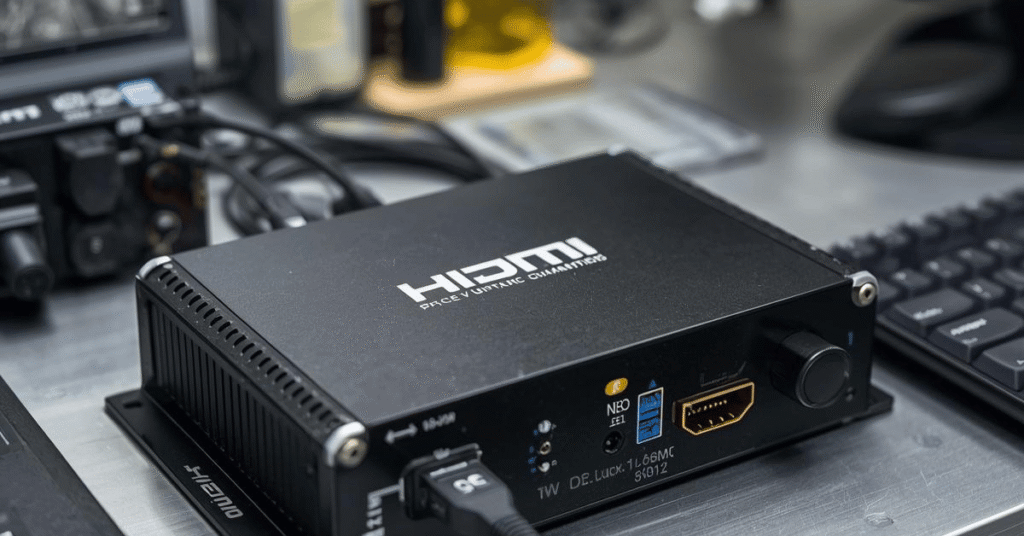
Integrating Your HDMI Encoder Feed Into a UK IPTV Panel
Panel integration is where most UK resellers deploying an HDMI encoder for IPTV hit their first serious operational wall. Standard reseller panel accounts, including credit-based panels, are provisioned for subscriber line management, not live stream ingest. The integration pathway depends entirely on whether your panel infrastructure supports custom channel addition at the reseller tier.
Smart IPTV Reseller panel infrastructure supports reseller-level channel management, which means a properly configured HDMI encoder feed can be added as a custom channel within your existing subscriber panel, visible only to your lines, differentiated from the standard channel package, and managed entirely within your existing credit-based account structure.
The integration workflow I use for HDMI encoder for IPTV channel addition:
- Configure encoder output to RTMP with confirmed ingest endpoint from panel provider
- Validate stream health at ingest point before adding to any subscriber channel list
- Add as a custom M3U entry within your panel’s channel management interface
- Test across all subscriber device types, since Smarters Pro, MAG portals, and M3U players respond differently to custom ingest streams
- Monitor ingest stability for minimum forty-eight hours before promoting the channel to your full subscriber base
Pro Tip: Never add a live HDMI encoder for IPTV feed to your subscriber channel list during an active live event. Always pre-validate stream stability during a test window, at minimum two hours before any event you intend to distribute. Subscribers who tune in to a broken stream during a live event churn at three times the rate of subscribers who experience standard downtime. Live content creates live expectations.
ISP Interference With HDMI Encoder for IPTV Streams on UK FTTP Networks
Live RTMP and HLS streams generated by HDMI encoders for IPTV present a specific ISP interference profile that differs from standard pre-recorded IPTV stream delivery. In 2026, UK ISPs operating AI-assisted deep packet inspection systems are increasingly capable of identifying live ingest traffic patterns, particularly RTMP streams, and applying throttling or blocking at the network level, independent of any content enforcement action.
The technical signature of RTMP ingest traffic, sustained high-bitrate upload from a residential or small business FTTP connection, triggers rate-limiting algorithms on several major UK networks during peak evening hours. I’ve had encoder feeds running cleanly at 8Mbps upload at 2PM fail to sustain 4Mbps by 8PM on the same connection, with no change to local network configuration.
The countermeasures that work operationally:
- Dedicated business-grade FTTP or leased line connection for encoder ingest, since residential connections with traffic management policies are inadequate for sustained live delivery
- SRT output protocol where panel infrastructure supports it, since SRT’s error correction and encryption profile presents differently to DPI systems than raw RTMP
- VPN tunnel for RTMP ingest to panel, which adds marginal latency but effectively obscures upload traffic pattern from ISP monitoring
- Off-peak scheduling for non-live content, since pre-recorded feeds pushed through an HDMI encoder for IPTV should be ingested during low-traffic windows to avoid throttling
UK HDMI Encoder for IPTV Reseller Success Checklist
- Confirm panel ingest permissions in writing before any hardware purchase, establishing explicitly which protocols your panel provider permits on reseller accounts. RTMP to unwhitelisted endpoints triggers automated account flags on most major panel platforms.
- Select hardware based on sustained operation stability, not peak spec. A professional standalone encoder running continuously for eight hours without thermal throttling is worth three times the cost of a budget device that degrades after ninety minutes.
- Apply the total latency formula before committing to live sports delivery. If your end-to-end latency exceeds 10 seconds, sports content will generate subscriber complaints. Optimise HLS segment size and advise subscribers on buffer settings before launch.
- Use a dedicated business connection for encoder ingest. Residential FTTP connections with traffic management policies cannot sustain live RTMP ingest during UK peak evening hours. This is non-negotiable for reliable live delivery.
- Integrate custom encoder feeds through Smart IPTV Reseller panel. The infrastructure supports custom channel management at reseller tier, meaning your HDMI encoder for IPTV content sits within your existing panel structure without requiring a separate delivery platform.
Smart IPTV Reseller provides credit-based IPTV reseller panel infrastructure for UK operators. The platform supplies panel management software and reseller tools. It does not host, distribute, or stream media content of any kind.