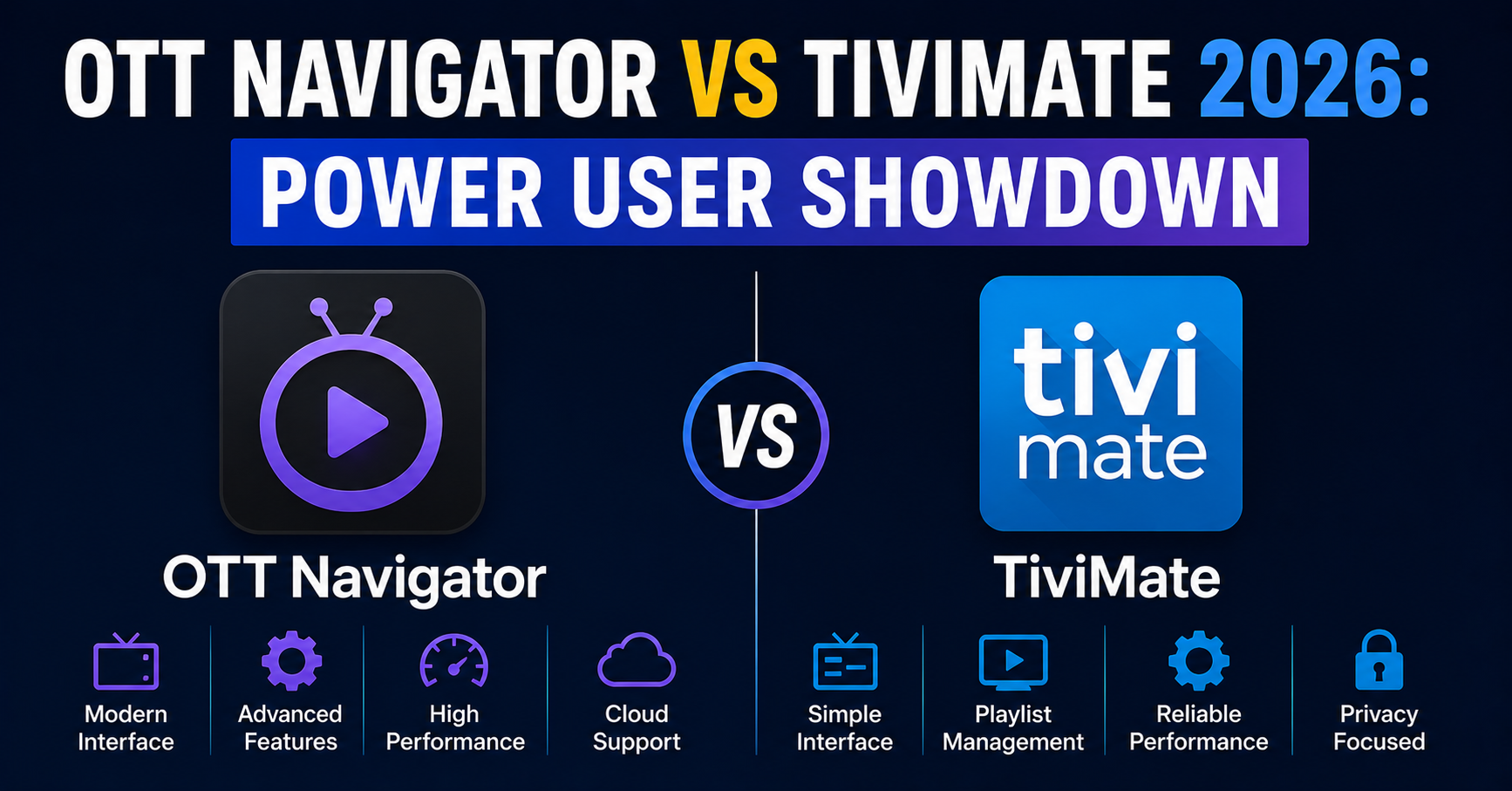
OTT Navigator vs TiviMate 2026: The Comparison Nobody Writes Honestly
Here’s something that took us three enforcement waves and roughly four hundred support tickets to accept: the player a customer uses changes their churn rate more than the server they’re connected to. We had two subscriber pools on identical infrastructure last winter. One group leaned heavily on TiviMate, the other had drifted toward OTT Navigator after a Reddit thread made the rounds. Same streams, same load balancers, same backup uplinks. The OTT Navigator group filed 30% fewer “it froze again” tickets during the same Champions League night.
That number sent me down a rabbit hole, and most of what passes for OTT Navigator vs TiviMate 2026 comparison online is genuinely useless — a recycled feature table, two affiliate buttons, done. So this is the version written from the panel side, where we actually watch what breaks and who complains.
What Actually Separates These Two in 2026
Both are mature now. That’s the first thing nobody admits. The era where TiviMate was the obvious default and everything else was a toy is over. OTT Navigator grew up, TiviMate got polish, and the gap narrowed into something more interesting: two different philosophies of how a stream should be handled, not two different quality tiers.
TiviMate behaves like a TV. OTT Navigator behaves like a media engine that happens to play live TV. That distinction explains almost every difference you’ll feel in daily use, and it’s why the “which is better” question is the wrong one.
Pro Tip: If a customer says “it buffers on one app but not the other” using the same line, the problem is almost never your server. It’s the player’s buffer configuration. OTT Navigator’s deeper buffer pool masks brief upstream jitter that TiviMate exposes immediately. UK IPTV Resellers chasing phantom server faults waste hours here.
The Buffering Behaviour Most Reviews Get Backwards
This is where field experience contradicts the popular wisdom. TiviMate is often called the “smoother” player. In a clean network it is. But “clean network” is doing enormous work in that sentence.
OTT Navigator gives you granular control over buffer size, reconnection attempts, and timeout thresholds. TiviMate keeps that under the hood. On a fibre connection with stable upstream, you’ll never notice. On a congested evening connection in a multi-device household — which is most of the UK market we serve — OTT Navigator’s aggressive re-buffering quietly absorbs hiccups that make TiviMate stutter.
| Behaviour | TiviMate | OTT Navigator |
|---|---|---|
| Default buffer depth | Conservative | Deeper, adjustable |
| Buffer tuning exposed to user | Minimal | Extensive |
| Reconnect on stream drop | Clean but slower | Faster, configurable |
| Behaviour on jittery uplink | Visible stutter | Masks short drops |
| Behaviour on clean fibre | Excellent | Excellent |
The takeaway isn’t that one is better. It’s that they fail differently, and knowing how they fail tells you which to recommend per customer.
EPG Handling: Where TiviMate Still Earns Its Reputation
I’ll give TiviMate its due. Its electronic programme guide is the most reliable we’ve deployed at scale. When an EPG source is malformed — wrong time offsets, broken XMLTV tags, missing channel IDs — TiviMate degrades gracefully. OTT Navigator is more likely to show gaps or duplicate entries when fed messy guide data.
For the UK market this matters more than people think. British EPG sources are notoriously inconsistent around regional variants and the post-midnight rollover. After reviewing hundreds of guide-related tickets, the pattern was clear: OTT Navigator users reported missing-programme complaints noticeably more often, and almost always it traced back to source data the app handled less forgivingly.
A Real Migration Lesson
During a panel migration two years back, we moved a batch of customers to a new EPG endpoint with a slightly different timezone tag. TiviMate users barely noticed. OTT Navigator users flooded support within the hour. The lesson stuck: the more flexible player punishes you harder for sloppy backend data. Flexibility cuts both ways.
Pro Tip: Before recommending OTT Navigator to a customer, check your own EPG source quality first. A clean XMLTV feed makes OTT Navigator shine; a messy one makes it look broken. The app is honest about what you feed it.
Interface and Daily Friction
TiviMate’s interface is, frankly, the gold standard for a remote-and-Firestick experience. Big, predictable, forgiving of fat-fingered navigation. Older customers and less technical households consistently get along with it better. We see this in onboarding tickets constantly — the demographic that struggles least with first-time setup is the TiviMate group.
OTT Navigator packs more onto the screen. More options, more menus, more power. For a technical operator or an enthusiast it’s a joy. For your sixty-five-year-old subscriber who just wants the football, it’s friction. One reseller in our network lost three customers in a month purely because they’d standardised on OTT Navigator for everyone, including people who needed something simpler.
- TiviMate: gentler learning curve, remote-first design, fewer onboarding tickets
- OTT Navigator: denser interface, more rewarding for power users, steeper start
- Both: handle Xtream Codes API and M3U playlists cleanly
- Neither: should be deployed blindly across an entire subscriber base
Multi-Screen, Recording, and the Features Nobody Compares Properly
OTT Navigator’s catch-up and archive handling is, in our testing, more capable when the provider supplies proper timeshift data. Its multi-view and picture-in-picture options also go further. TiviMate’s recording (premium) is rock-solid but more limited in scope.
Here’s the honest framing for OTT Navigator vs TiviMate 2026 on features: OTT Navigator does more, TiviMate does fewer things more dependably. Whether “more” matters depends entirely on whether the customer will ever use those features. Most won’t.
Pro Tip: Catch-up complaints are usually a provider problem masquerading as a player problem. Before blaming either app, confirm your panel actually serves valid archive timestamps. We’ve watched resellers switch apps three times chasing a bug that lived entirely in their backend.
Cost, Premium Tiers, and What You’re Actually Paying For
Both use a freemium model. TiviMate’s premium unlock has historically been the cleaner proposition — pay once or subscribe, get recording, multiple playlists, and the polished extras. OTT Navigator’s premium similarly gates its heavier features.
For resellers, the relevant question isn’t the few pounds of app cost. It’s support load. A player that generates fewer tickets pays for itself many times over in saved support hours. That’s the real cost calculation panel owners should run, and almost none do.
How ISP Behaviour in 2026 Changes the Calculation
This is the part that’s genuinely new for 2026 and absent from most comparisons. UK ISPs have grown more sophisticated about traffic fingerprinting and selective throttling. When an ISP starts shaping streaming traffic during peak hours, the player’s reconnection logic suddenly matters enormously.
OTT Navigator’s configurable timeout and reconnect behaviour gives a savvy user tools to ride out throttling that would leave a default TiviMate setup buffering. We noticed unusual ISP behaviour during a stretch of weekend evenings last season — short, repeated stream drops clustered around peak load. The OTT Navigator users who’d tuned their buffers barely flinched. This is exactly where deep packet inspection and peak-hour shaping turn a “smoother player” into the one that stutters, because smoothness assumes a cooperative network.
Pro Tip: If a whole region of customers reports peak-hour drops on the same ISP, that’s a throttling signature, not a server fault. The fix is partly infrastructure (backup uplinks, alternative routing) and partly player configuration. Solving only one half wastes the effort.
So Which Should You Actually Run?
If I had to compress everything: recommend TiviMate as the default for non-technical subscribers and anyone using a remote on a Firestick or Android TV box. Recommend OTT Navigator for power users, multi-screen households, people on dodgy connections willing to tune settings, and anyone who lives in catch-up and archive features.
For your own operation, deploying the right player per customer profile is one of the cheapest churn-reduction moves available. If you’re building or scaling a reseller operation and want infrastructure that holds up regardless of which player your subscribers choose, the team behind British Seller’s reseller panel deals with exactly these stability questions daily.
Frequently Asked Questions
Is OTT Navigator better than TiviMate in 2026?
Neither wins outright in the OTT Navigator vs TiviMate 2026 debate. OTT Navigator suits power users and unstable connections thanks to deep buffer and reconnect controls. TiviMate suits non-technical viewers with its cleaner interface and more forgiving EPG handling. The right choice depends on the customer, not on any single “winner.”
Which player handles buffering better on a poor connection?
OTT Navigator generally manages a poor or jittery connection better because its buffer depth and reconnection settings are user-adjustable. TiviMate is smoother on clean, stable connections but exposes brief upstream drops more visibly. For congested multi-device UK households, OTT Navigator’s tunable buffering often produces fewer visible interruptions.
Does TiviMate have a more reliable EPG than OTT Navigator?
In practice, yes. TiviMate degrades more gracefully when fed malformed or inconsistent XMLTV guide data, which is common with UK regional sources. OTT Navigator is more sensitive to messy EPG feeds and may show gaps or duplicates. With a clean guide source, both perform well.
Which app is easier for non-technical family members?
TiviMate. Its remote-first interface, larger navigation elements, and simpler menus consistently produce fewer first-time setup problems. OTT Navigator offers more features but presents a denser, steeper interface that less technical viewers often find confusing during initial use.
Should resellers standardise on one player for all customers?
No. Deploying a single player across an entire subscriber base reliably increases churn among mismatched users. Match TiviMate to simpler households and OTT Navigator to power users. Player choice directly affects support ticket volume, making it a genuine churn-reduction lever for any UK IPTV reseller panel.
Do both apps support Xtream Codes and M3U playlists?
Yes. Both handle Xtream Codes API logins and M3U playlist URLs cleanly, and both work across Firestick, Android TV, and Android devices. The differences lie in buffering control, EPG resilience, interface density, and catch-up handling rather than basic playlist compatibility.
Why does the same stream buffer on one app but not the other?
Because the two players buffer differently. OTT Navigator’s deeper, configurable buffer absorbs short upstream jitter that TiviMate’s more conservative default exposes immediately. The stream and server are identical — the player’s buffer behaviour is the variable, which is why switching apps sometimes appears to “fix” a server issue.
Which player is better against ISP throttling in 2026?
OTT Navigator, for users willing to tune it. Its adjustable timeout and reconnect logic lets viewers ride out peak-hour traffic shaping that leaves a default TiviMate setup buffering. However, persistent throttling also needs infrastructure-side fixes like backup uplinks, not player settings alone.
Execution Checklist
For Subscribers
- Try TiviMate first if you use a remote and want simplicity
- Switch to OTT Navigator only if you need catch-up, multi-view, or buffer tuning
- On a shaky connection, increase OTT Navigator’s buffer depth before blaming the service
- Keep one app as backup so a single app glitch never means total downtime
For Resellers
- Match player to customer profile instead of pushing one app to everyone
- Audit your EPG source quality before recommending OTT Navigator
- Track which player your highest-ticket customers use and look for patterns
- Treat player choice as a churn lever, not an afterthought
For Sub-Resellers
- Recommend TiviMate as the safe default for first-time and older customers
- Keep a short setup guide ready for each app to cut onboarding tickets
- Flag clustered peak-hour buffering complaints upward as possible ISP throttling
- Don’t troubleshoot player settings until you’ve confirmed the backend is clean
The single most useful lesson from comparing these two: the “best” player is the one matched to the person holding the remote and the network they’re on, not the one that wins a feature table. Pick per customer, feed both apps clean backend data, and most buffering arguments disappear before they reach your support inbox.