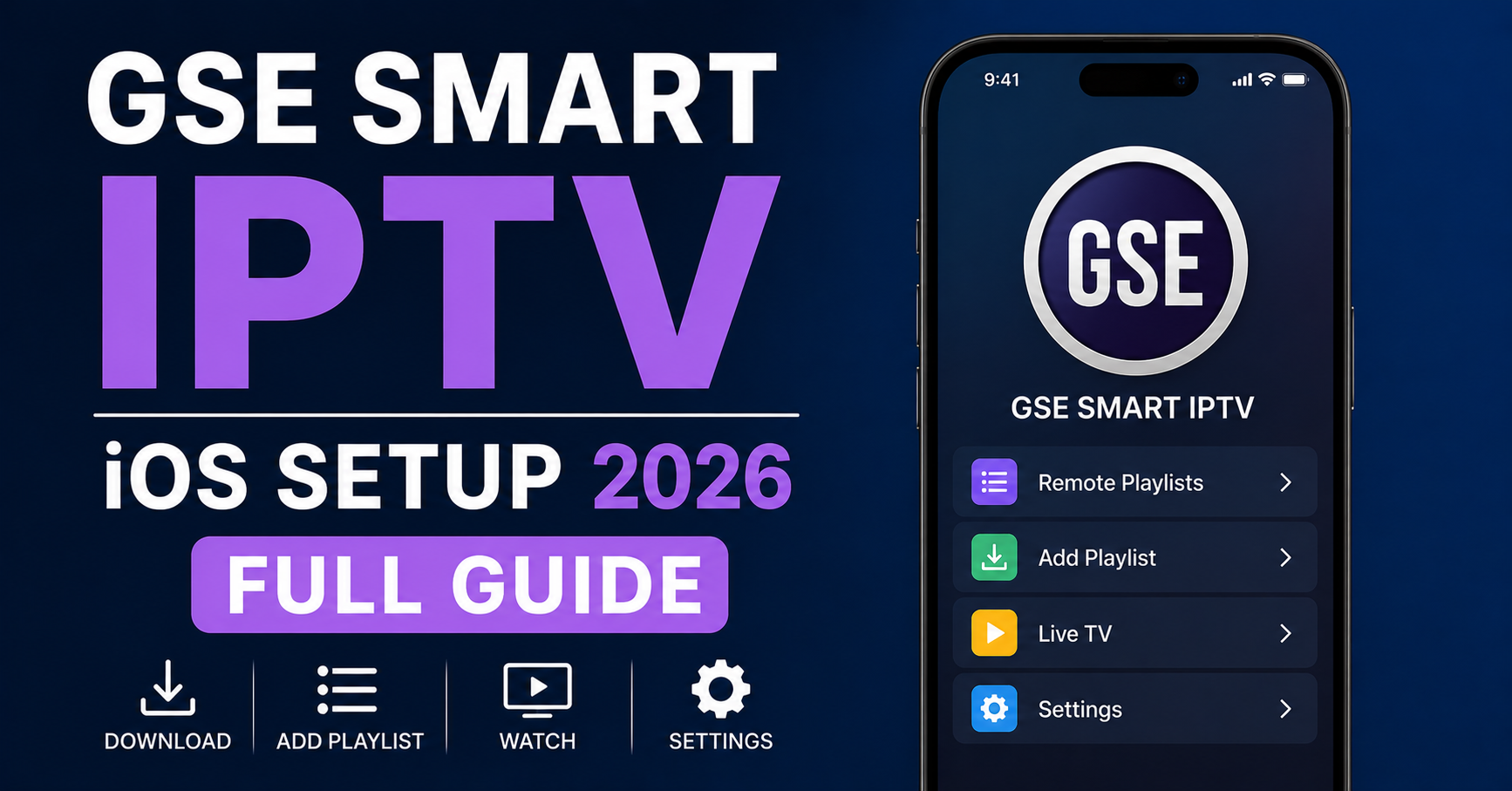
Nobody Tells You the iPhone Is the Hard Part
Here’s the thing most setup guides skip: on Android, you sideload, you tinker, you fix. On iOS, Apple decides what your app is allowed to do — and GSE Smart IPTV has to live inside those walls. That single fact explains roughly 70% of the support tickets we field about GSE Smart IPTV iOS setup in 2026. People assume the app is broken. Usually it isn’t. iOS is just enforcing rules nobody warned them about.
So this isn’t another “paste your link and press play” walkthrough. This is what actually happens when you run GSE Smart IPTV on an iPhone or iPad in the UK right now — the playlist quirks, the EPG failures, the buffering that isn’t really buffering, and the ISP behaviour that makes a perfect setup look broken.
Why GSE Got Complicated on iOS
GSE Smart IPTV used to be the default recommendation for Apple users. Clean interface, free tier, handled M3U and Xtream Codes without fuss. Then the App Store storms hit. Throughout 2024 and 2025, Apple periodically pulled or restricted IPTV-adjacent apps, and developers responded by stripping features or gating them behind in-app purchases.
The practical result for you in 2026: the version of GSE you install today may behave differently from the screenshots in a two-year-old tutorial. Buttons moved. The “Remote Playlists” flow changed. Some builds quietly disabled local file loading.
Pro Tip: Before troubleshooting anything, check your installed build number against the current App Store version. We’ve watched people spend an hour “fixing” a problem that was simply an outdated app refusing to refresh a token. Update first. Diagnose second.
The Two Ways In: Xtream Codes vs M3U URL
GSE accepts your service two ways, and choosing wrong is the most common first-day mistake we see.
| Xtream Codes API | M3U URL | |
|---|---|---|
| What you enter | Server URL, username, password | A single long link |
| EPG (TV guide) | Pulls automatically | Often manual or missing |
| Channel categories | Organised into groups | Frequently one flat list |
| Reconnects after sleep | More reliable | Drops more often on iOS |
| Best for | Most users | Backup / quick test |
If your provider gives you both, use Xtream Codes. On iOS specifically, the API connection survives the phone going to sleep far better than a raw M3U link, which iOS likes to let expire in the background.
Adding an Xtream Codes Account, Step by Step
- Open GSE and tap the menu (three lines, top-left).
- Go to Remote Playlists, then the + button.
- Choose Xtream Codes API (not “Add M3U URL”).
- Enter a name you’ll recognise, then your server URL exactly as given — including
http://and the port number after the colon. - Type the username and password manually. Do not copy-paste; trailing spaces are the silent killer here.
- Save, then wait. The first channel load on a large bouquet can take 30–60 seconds on iOS.
Pro Tip: If the server URL ends in a port like
:8080or:2095, that port matters. We’ve traced dozens of “invalid login” reports back to a dropped port number. The credentials were fine the whole time.
When the Guide Loads but Channels Won’t
This is the failure that confuses people most, so it earns its own section. You see the full channel list, the EPG populates, everything looks connected — and then channels buffer endlessly or throw an error on play.
Nine times out of ten, this isn’t GSE and it isn’t your subscription. It’s the path between your iPhone and the server.
- Wi-Fi works, mobile data fails (or vice versa): classic sign your ISP is interfering on one network but not the other.
- Everything stalls only in the evening: congestion or evening throttling, not a dead server.
- One category plays, another doesn’t: the streams sit on different backend servers; one is down.
The UK ISP Reality in 2026
British ISPs have grown noticeably more aggressive. What we’re seeing in 2026 isn’t crude IP blocking anymore — it’s deep packet inspection and traffic fingerprinting that recognises streaming patterns regardless of the address. A UK IPTV reseller migration we ran last winter showed the same playlist working flawlessly on one major UK network and stalling on another, on identical hardware, same evening.
The fix on the user side is almost always DNS. Many UK providers now poison DNS so the streaming domain never resolves correctly on your iPhone.
Pro Tip: Before blaming the app, change your iOS DNS to a public resolver (in Wi-Fi settings → your network → Configure DNS → Manual). If channels suddenly spring to life, your ISP was the problem, and no amount of reinstalling GSE would ever have fixed it.
Fixing the EPG When It’s Blank or Wrong
A missing TV guide is the second-most-common complaint, and the causes split cleanly:
| Symptom | Likely cause | What to do |
|---|---|---|
| No EPG at all | Using M3U without an EPG URL | Switch to Xtream Codes or add the EPG link manually |
| Guide is one day only | Provider sends limited data | Normal on some servers; not your fault |
| Times are off by hours | Timezone mismatch | Set GSE’s timezone to UK (GMT/BST) in settings |
| Guide loads then vanishes | App refreshed token, EPG cache cleared | Force-refresh the playlist |
The timezone one catches almost everyone. iOS reports time correctly, but GSE has its own timezone field, and if it’s left on a default, your “now playing” will be hours out — making the whole guide look broken when it’s actually fine.
Buffering That Isn’t a Buffering Problem
When a customer says “it keeps buffering,” experienced operators don’t think about bandwidth first. We think about routing.
A genuine buffering issue — not enough speed — looks like everything stuttering equally, all the time, including standard-definition channels. That’s rare on modern UK broadband. Far more often, the pattern is selective: HD and sports stutter while everything else is fine, or quality collapses precisely at 8pm.
That pattern points at the server’s load balancing and your route to it, not your iPhone. During Premier League kickoffs we routinely watch a single overloaded backend drag down thousands of users while the rest of the network is healthy.
What you can actually control on iOS:
- Force-close GSE fully (swipe up) and reopen — clears a stale connection.
- Switch the player engine inside GSE’s settings if your build offers it; some streams prefer a different decoder.
- Test on mobile data to isolate Wi-Fi/router issues.
- Reduce the stream to a lower-bitrate version of the same channel if your provider offers one.
Pro Tip: Keep a second playlist from a different backup source saved in GSE, even if you never use it. When your main source has a bad night, you switch in five seconds instead of spending an evening convinced your setup is broken.
What Resellers Should Take From All This
If you run an IPTV reseller panel, GSE Smart IPTV iOS setup 2026 isn’t just an end-user concern — it’s a support-cost concern. After reviewing hundreds of support requests, we found that iOS users generate disproportionately more tickets than Android users, and almost none of them are actual service faults.
The lesson for any panel owner or sub-reseller: the cheapest churn reduction you’ll ever do is a clear, iOS-specific onboarding message. A reseller in our distribution network cut first-week cancellations sharply just by sending new iPhone customers a three-line note — use Xtream Codes, change your DNS, expect a slow first load.
Credit UK IPTV reseller margins are thin enough that one avoidable refund erases the profit on several subscriptions. The operators who scale are the ones who treat setup friction as a fixable infrastructure problem, not an annoyance. If you’re sourcing a stable backend to build on, vetting your upstream provider properly — something we cover for UK operators at britishseller.co.uk — matters more than any app tweak.
Pro Tip: Track which device generates each ticket. When you can see iOS is 60% of your support load from 20% of your customers, you stop guessing and start fixing the actual bottleneck.
A Quick Note on App Stability and the Future
GSE remains capable in 2026, but it’s no longer the only sensible iOS choice — and pretending otherwise does subscribers a disservice. Some users now prefer alternatives with steadier App Store histories. We mention this not to steer you off GSE, but because an honest setup guide tells you the platform realities. If GSE vanishes from the store next quarter, your Xtream Codes credentials work in any compliant player. The credentials are the asset. The app is just the window.
Frequently Asked Questions
Is GSE Smart IPTV iOS setup 2026 different from older versions?
Yes. App Store policy changes through 2024–2025 reshaped the app, so GSE Smart IPTV iOS setup in 2026 may not match older tutorials. Menus moved, some builds removed local file loading, and the Remote Playlists flow changed. Always check your installed version against the current App Store build before following any guide.
Why do my channels buffer on iPhone but the guide loads fine?
A loading EPG only confirms GSE reached the server’s metadata. Playback uses a different path. Buffering with a working guide usually means ISP throttling, DNS poisoning, or an overloaded backend server — not a broken app or subscription. Test on mobile data and try a public DNS resolver to isolate the cause.
Should I use Xtream Codes or M3U URL in GSE on iOS?
Use Xtream Codes if your provider offers it. On iOS specifically, the API connection survives the phone sleeping and reconnects more reliably than a raw M3U link, which iOS tends to expire in the background. Xtream Codes also pulls the EPG and channel categories automatically, reducing manual setup.
How do I fix a blank or wrong EPG in GSE Smart IPTV?
First confirm you’re using Xtream Codes, which loads the guide automatically. If times are off by hours, set GSE’s internal timezone to UK (GMT/BST) — this is the most common cause. If the guide vanishes after loading, force-refresh the playlist to rebuild the cache.
Can a VPN help with GSE Smart IPTV iOS setup 2026?
Often, yes. If your UK ISP uses DNS poisoning or deep packet inspection, a VPN or a manual public DNS change can restore streams that otherwise stall. Test by switching between Wi-Fi and mobile data first — if one works and the other doesn’t, network interference, not GSE, is the issue.
Why does GSE work on Android but struggle on my iPhone?
iOS restricts what apps may do in the background and how they load files. These limits cause more dropped connections and expired playlists on iPhone than on Android. It’s a platform constraint, not an app defect — which is why iOS users generate disproportionately more setup tickets.
I’m a reseller — how do I reduce iOS setup complaints?
Send new iPhone customers a short, iOS-specific onboarding note: use Xtream Codes, change DNS to a public resolver, and expect a slow first channel load. Most iOS tickets aren’t service faults, so pre-empting them is the cheapest churn reduction available to any panel owner.
Execution Checklists
For Subscribers
- Update GSE to the current App Store build before anything else.
- Use Xtream Codes API, not M3U URL, when offered both.
- Enter the server URL with its port and type credentials manually.
- Set GSE’s timezone to UK (GMT/BST) to fix the guide.
- Change iOS DNS to a public resolver if channels stall.
- Test on mobile data to isolate Wi-Fi/ISP issues.
For Resellers
- Send every new iPhone customer an iOS-specific setup note.
- Default to handing out Xtream Codes credentials, not bare M3U links.
- Tag support tickets by device to measure iOS load.
- Keep a backup backend ready so you can reissue working credentials fast.
- Vet upstream providers for evening stability, not just price.
For Sub-Resellers
- Mirror your panel owner’s iOS onboarding message word for word.
- Confirm credentials include the correct port before sending.
- Flag recurring evening buffering to your panel owner with timestamps.
- Don’t promise GSE specifically — promise working credentials in any player.
The single lesson worth keeping: on iOS, the app is rarely the villain. Your Xtream Codes credentials and the network path to the server decide almost everything, while GSE is just the window you view them through. Fix the connection and the DNS first, and most “broken app” problems disappear before you ever touch a setting.