Best Free IPTV Apps 2026: No Subscription Needed
Here’s something nobody selling you a “top 10 list” will admit: most free IPTV apps aren’t the problem. The playlists you feed them are. I’ve spent years watching the same conversation play out — someone installs a sleek player, loads a sketchy M3U link they found on a forum, gets two minutes of buffering, and blames the app. The app was fine. Everything downstream of it wasn’t.
So this guide to the Best Free IPTV Apps 2026 isn’t really a beauty contest between interfaces. It’s a look at which players actually hold up when your connection wobbles, which ones quietly harvest your data, and why “no subscription needed” almost never means “no cost.” I’ll be honest where the marketing isn’t.
The thing about “free” that people learn too late
A free IPTV app and free IPTV content are two completely different animals, and conflating them is the single most expensive mistake I see new users make. The app — TiviMate, IPTV Smarters, whatever — is just an empty shell. It plays whatever stream you point it at. The legality, reliability, and safety all live in the playlist, not the player.
When a UK IPTV reseller customer of mine churned last winter, the reason wasn’t price. He’d discovered a “totally free” service, ran it for three weeks, then came crawling back after his bank flagged a fraudulent charge. The app was free. The pirated playlist he loaded into it had quietly redirected him through a card-skimming page during “activation.” That’s the real cost structure of free, and almost no listicle mentions it.
Pro Tip: If a free IPTV source asks you to “verify” with a payment method, disable adblock, or sideload a second “helper” app — stop. Legitimate free players (the ones below) never need any of that. The app should ask for nothing but a playlist URL.
What I actually look for before recommending a player
After troubleshooting more buffering complaints than I can count, my ranking criteria stopped being about features. Three things predict whether someone stays happy with a free app:
- Buffer management — does it pre-load segments intelligently or choke the moment HLS latency spikes?
- EPG handling — a guide that loads in 40 seconds versus 4 minutes changes whether people use the app at all
- Privacy posture — what telemetry does it phone home, and does it run ads inside your viewing session?
Notice that none of those are visible in a screenshot. That’s why most “best free IPTV apps” roundups are useless — they rank by how the menu looks.
The shortlist, ranked by how they behave under stress
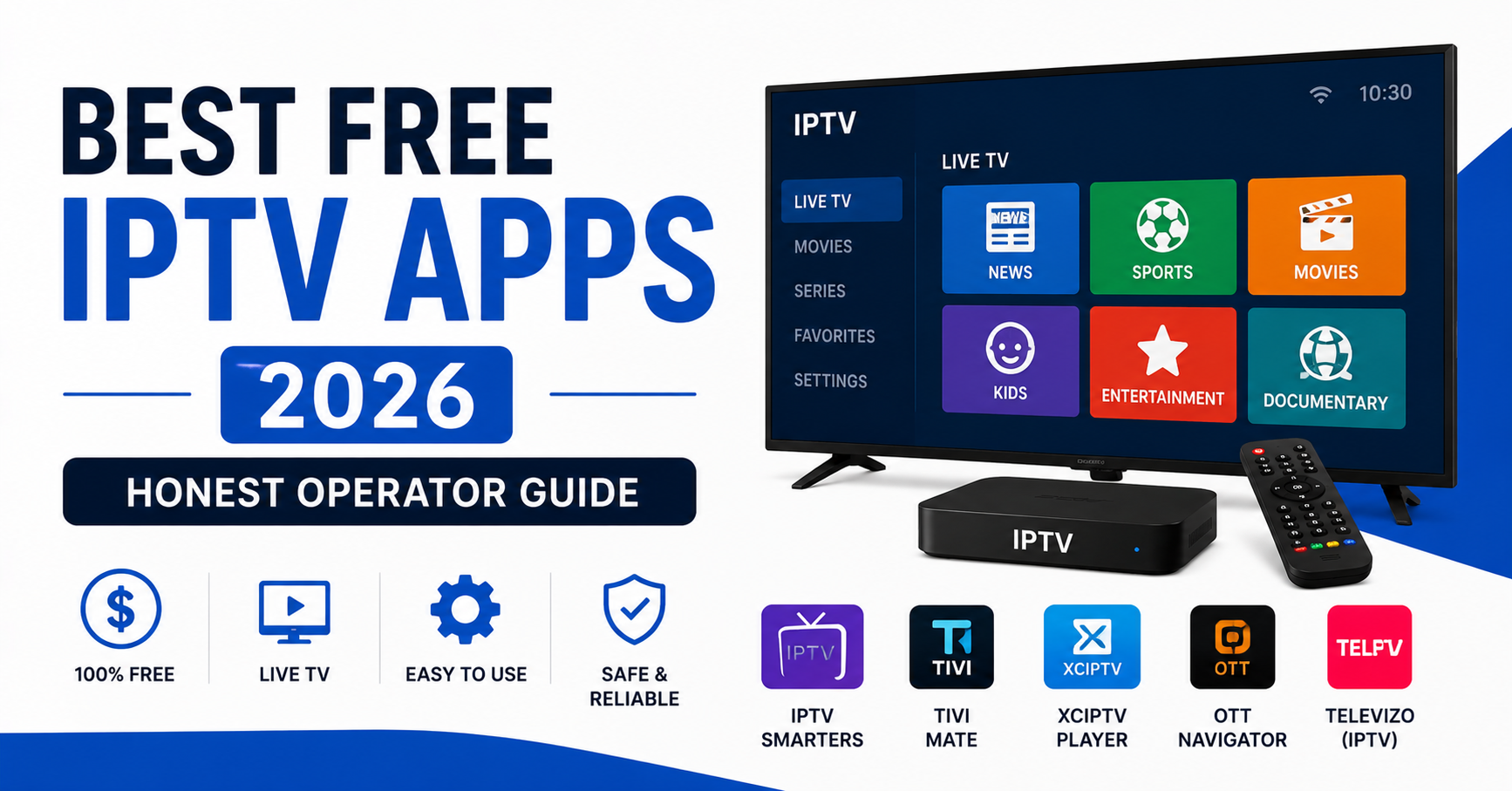
| App | Platform strength | Buffering under load | Hidden catch |
|---|---|---|---|
| TiviMate (free tier) | Android TV / Fire TV | Excellent | Many features locked behind Premium |
| IPTV Smarters Pro | Everything | Good | Inconsistent EPG on weak playlists |
| OTT Navigator (free) | Android | Excellent | Cluttered for beginners |
| Kodi + PVR IPTV Simple | Desktop / all | Configurable | Steep setup curve |
| VLC | Universal | Basic | No EPG, no guide, raw playback only |
| Sparkle TV | Fire TV | Good | Ad-supported free tier |
| Televizo | Android | Good | Limited customisation |
| XCIPTV | Android / Fire | Variable | Pushy upgrade prompts |
| Perfect Player | Android (legacy) | Stable | No longer actively updated |
I’d trust the top four for daily use. The bottom rows aren’t bad — they’re just where compromises start showing.
TiviMate: still the one to beat, with an asterisk
TiviMate remains the most polished free IPTV app for Android TV and Fire Stick in 2026, and its free tier is genuinely usable. Recordings, multiple playlists, and some EPG tricks sit behind the Premium paywall, but live playback, a clean guide, and reliable buffering are all free. If you have a Fire Stick gathering dust, this is where I’d start.
IPTV Smarters Pro: the everywhere option
The reason IPTV Smarters shows up on every device — iOS, Android, Windows, Mac, smart TVs — is that it almost never refuses to install. That ubiquity is its real value. Its weakness is EPG: on a poorly maintained playlist, the guide turns into a mess, which is exactly why people wrongly blame the app instead of the source.
OTT Navigator: the power user’s quiet favourite
OTT Navigator does buffering better than almost anything free, with aggressive segment caching that smooths over the kind of HLS latency that makes other players stutter. The catch is the interface — it throws every setting at you at once. Brilliant once configured, intimidating on day one.
VLC and Kodi: the honest underdogs
VLC plays an M3U link with zero fuss and zero tracking, but gives you no guide and no channel management — it’s a player, not a platform. Kodi with the PVR IPTV Simple Client can become a full IPTV centre, but you’ll spend an evening configuring it. Both are free in the truest sense: no upsells, no telemetry, no asterisks.
Why your free app keeps buffering (and it’s rarely the app)
Pro Tip: Before you uninstall a “bad” free IPTV app, swap the playlist source first. Nine times out of ten the stuttering follows the playlist, not the player. I’ve watched users cycle through five apps chasing a problem that lived entirely in one dead M3U link.
Free public playlists share the same overloaded servers among thousands of strangers. There’s no load balancing, no failover, no backup uplink — when one source dies mid-match, nothing reroutes you. During a major football fixture, free streams are the first to collapse precisely because everyone piles onto the same handful of unmonitored sources at kickoff. The app can’t fix infrastructure it doesn’t own.
That collapse-at-kickoff pattern is the clearest line between free sources and a properly run service. Paid infrastructure exists almost entirely to survive those traffic spikes — redundant sources, active monitoring, automatic failover. You’re not paying for channels. You’re paying for the stream to still be alive at the 89th minute.
A realistic setup that won’t burn an evening
Here’s the sequence I give people who just want something working tonight:
- Pick one player from the top four above based on your device.
- Install it only from the official store or the developer’s site — never a random APK mirror.
- Add a single playlist source and test it before adding more.
- Load the matching EPG URL and give it a full two minutes to populate.
- Set buffering to a higher value if your connection is under 25 Mbps.
- Test during an off-peak hour first, not during a live event.
Most “this app is broken” complaints disappear at step three, when people stop loading four dead sources at once.
What free genuinely covers — and where it stops
Free IPTV apps are excellent for casual viewing, testing a setup, or running a few free-to-air channels you’d watch anyway. Where they fall apart is reliability under pressure: no support line, no guarantee a channel exists tomorrow, no one to fix a 9pm outage. That’s the ceiling. Knowing exactly where it sits saves a lot of frustration. If you eventually want streams that survive peak load, a properly maintained UK IPTV Reseller service like britishseller.co.uk exists for the same reason redundancy exists in any network — because free sources weren’t built to stay up when everyone needs them at once.
Frequently Asked Questions
What are the best free IPTV apps 2026 for a Fire Stick?
For Fire Stick specifically, the best free IPTV apps 2026 are TiviMate and IPTV Smarters Pro. TiviMate offers the cleaner guide and smoother buffering on its free tier, while Smarters installs more reliably across older Fire devices. Both are free players — you supply the playlist separately.
Are the best free IPTV apps 2026 actually legal to use?
The apps themselves are completely legal. TiviMate, VLC, Kodi, and IPTV Smarters are legitimate media players. Legality depends entirely on the playlist you load — free-to-air and licensed sources are fine, while pirated streams are not. The Best Free IPTV Apps 2026 simply play whatever you point them at.
Why does my free IPTV app buffer so badly?
Buffering is almost always the playlist, not the app. Free public sources share overloaded servers with no failover, so they collapse during peak demand like live sports. Swap the source before blaming the player, raise your buffer setting, and test during off-peak hours to confirm.
Do free IPTV apps spy on me or run ads?
Some do. Ad-supported free tiers inject ads into your session, and a few lesser-known apps send telemetry home. The cleanest privacy choices are VLC and Kodi, which collect nothing. Avoid any app demanding payment verification or a “helper” download — that’s a red flag, not a feature.
Is a free IPTV app good enough for IPTV resellers to test on?
For an IPTV reseller, free players like TiviMate are useful demo tools, but never run a reseller business on free public playlists. Resellers need a stable reseller panel with monitored infrastructure. Use the free app to show the interface; rely on proper panel credits and a managed source for actual customers.
Will free IPTV apps work during live sports?
Often poorly. Free sources are the first to fail at kickoff because thousands of users hit the same unmonitored server simultaneously. The app handles the stress fine — the free infrastructure behind it doesn’t. For reliable live sport, you need a source with redundancy and active monitoring.
Which free IPTV app is easiest for beginners?
IPTV Smarters Pro is the most beginner-friendly because it installs almost anywhere and has a simple layout. VLC is even simpler if you only need raw playback without a guide. OTT Navigator is powerful but overwhelming at first, so save it for once you’re comfortable.
Execution Checklists
For subscribers
- Install only from official stores or the developer’s own site
- Load one playlist source at a time and test before adding more
- Give the EPG a full two minutes to populate before judging it
- Raise buffer settings if your connection is under 25 Mbps
- Refuse any app asking for payment “verification” or a second helper app
- Keep VLC installed as a no-frills fallback player
For IPTV resellers
- Use free players like TiviMate only as demo/onboarding tools
- Never run paying customers on free public playlists
- Test new sources on a free app before pushing to your reseller panel
- Track which apps generate the fewest support tickets and standardise on them
- Provide customers a one-page install guide to cut churn from setup confusion
For sub-resellers
- Recommend the same one or two free apps to every customer for predictable support
- Confirm the customer’s device before suggesting an app (Fire TV vs iOS differ)
- Pre-test EPG URLs before handing them over
- Flag any free source that fails during peak hours to the panel owner immediately
The bottom line
The Best Free IPTV Apps 2026 are better than they’ve ever been — TiviMate, IPTV Smarters, OTT Navigator, VLC, and Kodi will all serve you well if you stop expecting the app to fix what only infrastructure can. Pick one, feed it a clean source, and judge it off-peak before you judge it at all.
The lesson worth keeping: a free player is only as good as the stream behind it. Spend your effort on the source, not on chasing the perfect interface — that’s where reliability actually lives, and it’s the one variable a free download can never solve for you.